If you’ve ever wondered why a 108-megapixel phone still saves 12-megapixel photos by default, the answer is a clever sensor trick called pixel binning. It’s the quiet technology behind most of the low-light photography you shoot on a modern smartphone — and it explains why megapixel counts no longer tell the whole story.
What Is Pixel Binning?
Pixel binning is the process of combining the light collected by several adjacent photosites — the tiny light-sensitive cells on a camera sensor — into a single, larger “superpixel.” When a sensor merges four pixels into one, it effectively quadruples the light-collecting area of each output pixel, even though the physical pixels didn’t change size. The trade-off: output resolution drops by the same factor. A 48-megapixel sensor using 2×2 binning produces 12-megapixel images.
Strictly speaking, the individual light collectors on a sensor are called photosites, while “pixel” describes a point in the final image. The industry uses the two terms interchangeably, but the distinction matters when we talk about how binning actually works.
Why Smartphone Pixels Are So Small
The core problem is physical. A smartphone sensor has to fit inside a body only a few millimetres thick, so manufacturers cram tens or even hundreds of millions of photosites onto a chip smaller than a fingernail. Individual smartphone pixels typically measure between roughly 0.6 and 1.4 micrometres (µm) across. For comparison, a pixel on a typical full-frame mirrorless or DSLR sensor might be around 4 to 8 µm.
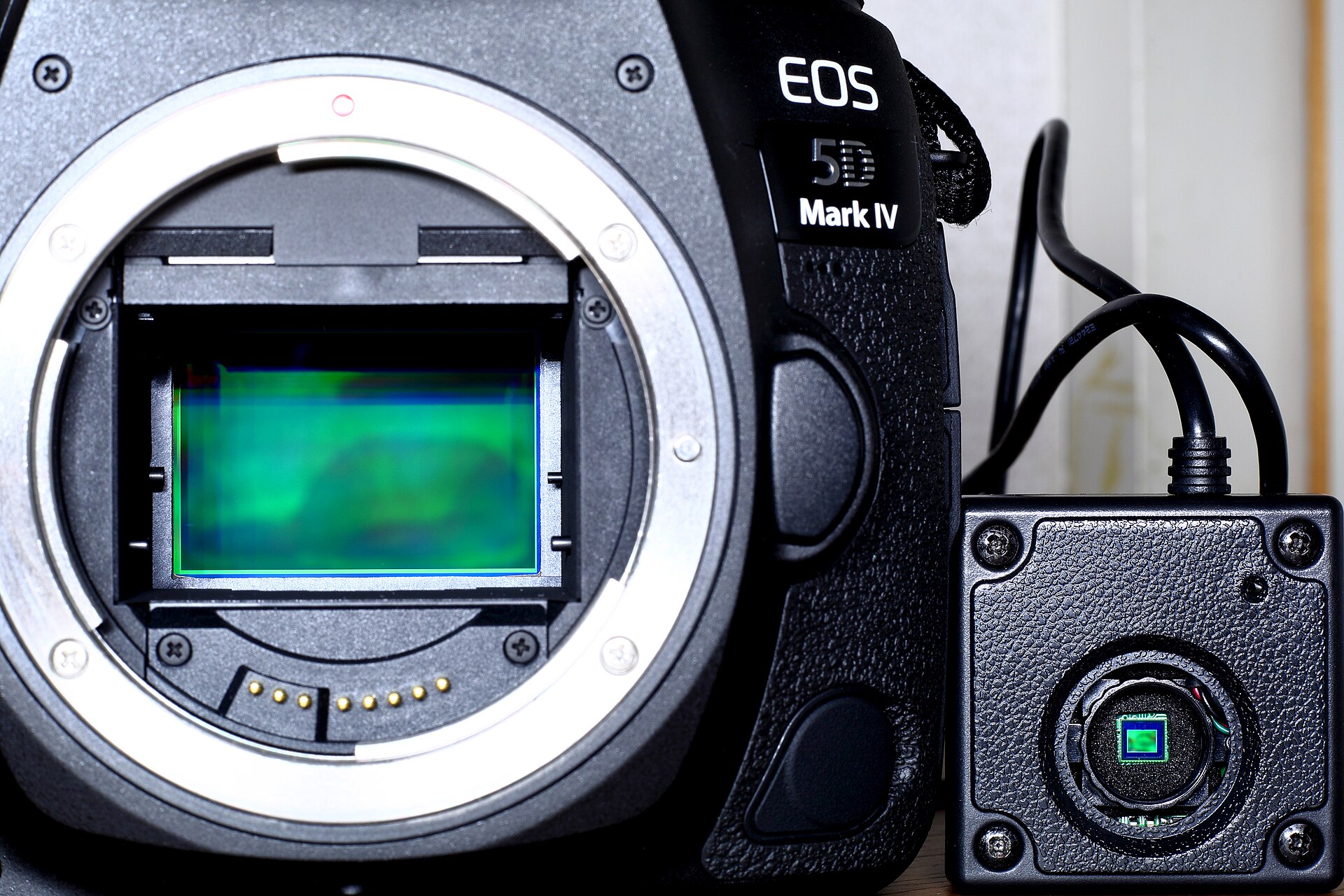
Small pixels catch less light, and less light means more noise and dimmer images — especially at night, when a handheld shot forces a short exposure. Camera makers once faced a hard choice: high resolution for detail in good light, or big pixels for cleaner low-light images. Pixel binning is the engineering answer that tries to deliver both from the same sensor.
How Pixel Binning Works
To understand binning you first need the Bayer filter. Every color sensor is monochrome underneath — each photosite only measures brightness. Color comes from a mosaic of red, green, and blue filters laid over the photosites, arranged so roughly 50% are green, 25% red, and 25% blue (green gets extra weight because the human eye is most sensitive to it).
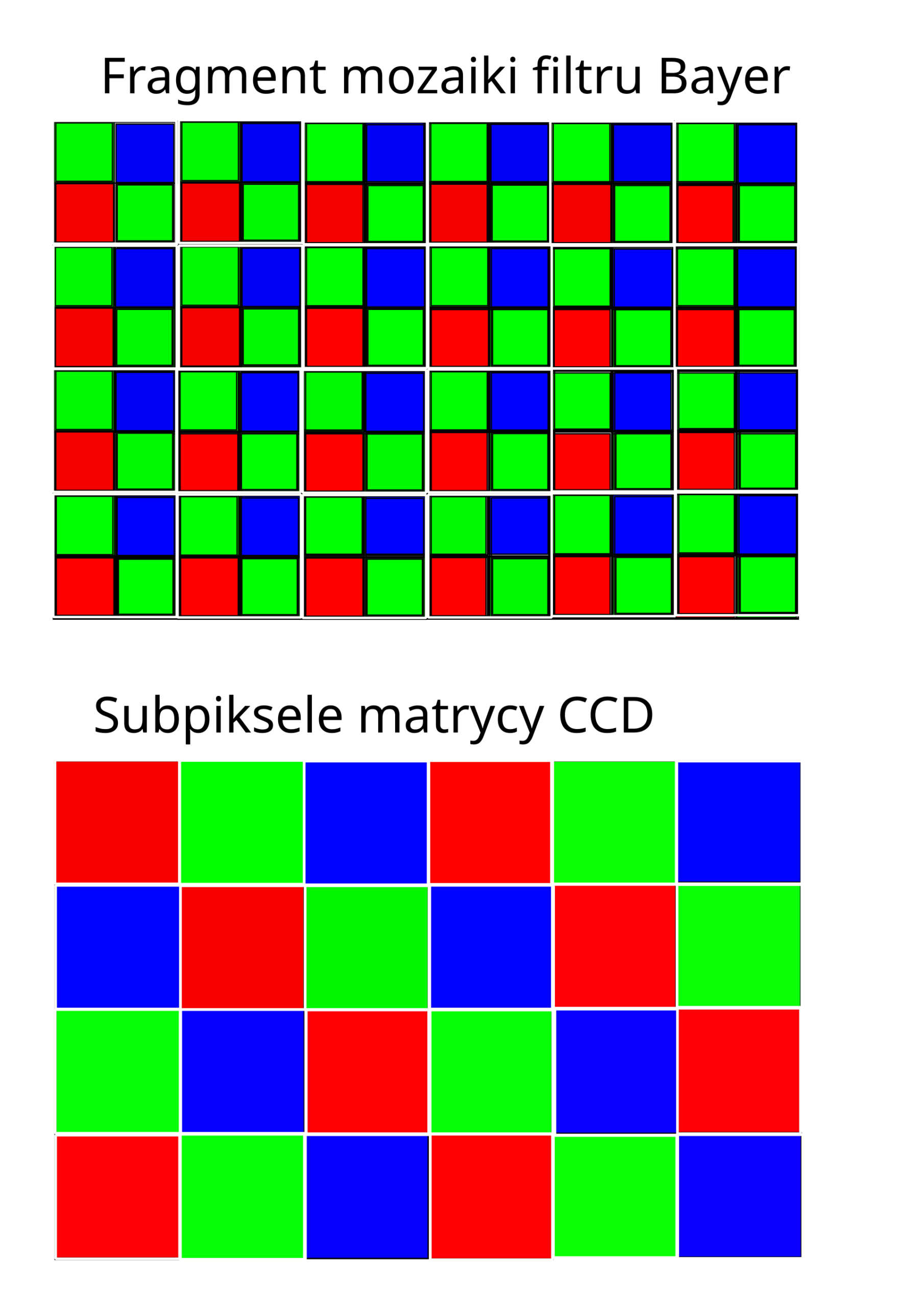
A standard Bayer pattern scatters single red, green, green, and blue filters across the array. A Quad-Bayer sensor — used in most binning phones — instead arranges the filters in repeating 2×2 clusters of the same color. That clustering is what makes binning practical: four neighbouring green photosites can be read as one green superpixel, four red as one red, and so on. The camera’s image signal processor (ISP) sums or averages their charges and outputs a single, brighter value.
In low light the binned result behaves like a sensor with much larger pixels, pulling in more light per output pixel and producing a brighter image with visibly less noise.
2×2, 3×3, and 4×4 Binning
The most common scheme is 2×2 (sometimes called tetra-binning or 4-in-1), which divides resolution by four — 48 MP becomes 12 MP, and 50 MP becomes 12.5 MP. Higher-resolution sensors scale the idea up: 3×3 “nona-binning” combines nine pixels into one (a 108 MP sensor outputs 12 MP), and 4×4 binning merges sixteen (Samsung’s 200 MP sensor can produce 12.5 MP images this way).
The math is consistent: output resolution equals native resolution divided by the number of photosites in each cluster. Manufacturers almost always enable binning by default, because full-resolution mode needs bright, steady light to look its best.
The Trade-Offs
Binning isn’t free. You lose resolution, and because several same-color photosites collapse into one, the sensor samples color less densely — so fine color detail can suffer and algorithms have to reconstruct some of it. Binned pixels also can’t fully replicate a physically large pixel, since small gaps remain between the merged photosites. But for a phone held in one hand after dark, the gain in brightness and signal-to-noise ratio almost always beats the loss in resolution.
When Should You Use Full Resolution?
Switch to full resolution when you have abundant light and expect to crop heavily, or when a scene demands maximum fine detail — landscapes in daylight, product shots, or anything you’ll print large. Keep binning on for low light, night mode, and everyday snapshots: that’s precisely the scenario it was designed for. Some camera apps expose a “48 MP” or “50 MP” toggle in settings; others manage the switch automatically.
Conclusion
Pixel binning is genuine clever engineering rather than marketing fluff. It lets phone makers chase huge megapixel numbers for bright-light detail while quietly shooting lower-resolution, cleaner images when the lights go down. The next time a spec sheet brags about 108 or 200 megapixels, remember: the photo you actually saved was probably built from a handful of smaller pixels working together — and that’s exactly the point.
FAQ
Does pixel binning reduce image quality?
It reduces resolution and can slightly soften fine color detail, but in low light it actually improves quality by cutting noise and boosting brightness — which is why it’s the default mode.
Do all phones use pixel binning?
Most modern Android flagships and many mid-range phones do, via Quad-Bayer sensors. Some makers (notably Google and Apple for years) leaned more on computational photography and multi-frame burst stacking instead.
Can I turn pixel binning off?
On many phones you can select full resolution in the camera settings, but the binned mode is usually the default because it produces better everyday results.
Is 108 MP better than 12 MP?
Not automatically. A 108 MP sensor binned to 12 MP has larger effective pixels in low light, but the extra resolution only pays off in bright conditions. Megapixels alone don’t determine image quality.
Related Posts
Lens Mount Systems Compared: Canon RF vs Sony E vs Nikon Z vs Fujifilm X
When you buy an interchangeable-lens camera, you are not just…
Video-Optimized Sensors: 8K and High Frame Rates Explained
For years, the image sensor inside your camera was designed…
Electronic vs Mechanical Shutter: Which Should You Use?
Every photograph depends on one small but critical decision: how…