Point your phone at a dark street and tap the shutter. The screen freezes for a second or two, a progress ring spins, and out comes a photo that looks cleaner and brighter than anything your eyes actually saw. That’s night mode — and it is not a filter. It’s a burst of raw frames, a pile of statistics, and a small miracle of signal processing running in your pocket. Here is how it actually works.
Why Low Light Is So Hard for a Phone
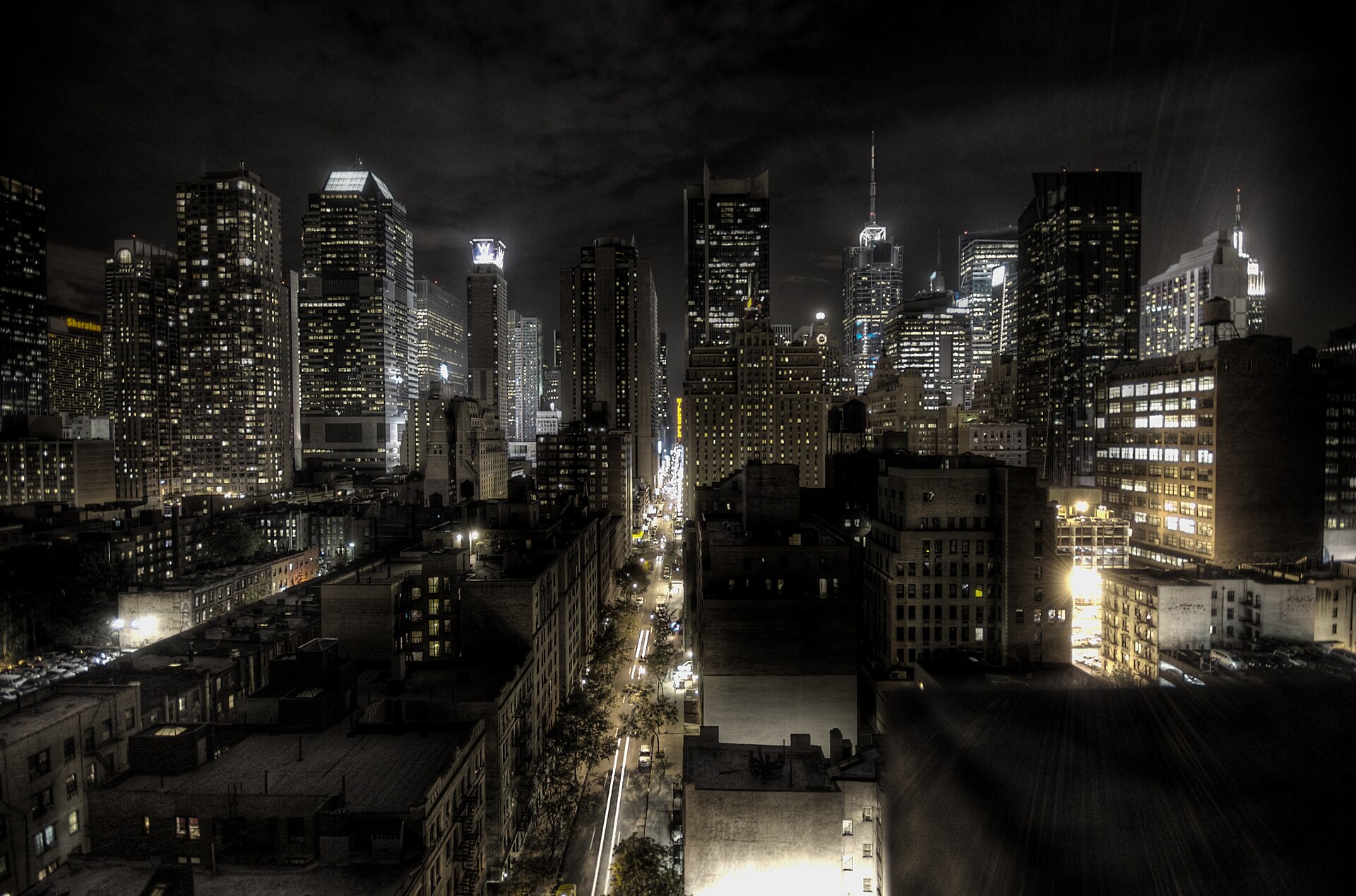
A smartphone camera has a tiny sensor packed with millions of tiny pixels. Each pixel is a bucket that collects photons, and in the dark there are not many photons to go around. When light is scarce, the signal — the real image detail — drowns in noise, the random speckling produced by the sensor’s own electronics. You could leave the shutter open longer to gather more light, but hold a phone in your hand for even half a second and the whole frame blurs. That is the exact problem night mode exists to solve: gather more light with no tripod and no blur.
Not a Long Exposure — a Burst
The classic photographer’s answer to darkness is a long exposure. Night mode deliberately refuses that approach. Instead it captures a burst of short frames — typically six to fifteen — and combines them. Short exposures keep each individual frame sharp, because neither hand shake nor a moving subject has time to smear the image in any single shot. Combining many frames then recovers the light that any one frame was missing.
The planning starts before you even press the shutter. Google’s Night Sight uses a technique called motion metering: the camera estimates how much both the phone and the scene are moving, and from that it decides how many frames to take and how long each exposure should be. A steady hand on a still street earns longer frames; a restless subject earns more, shorter ones. The exposure schedule is chosen to minimize noise and motion blur at the same time.
Align, Merge, Average
Once the burst is captured, the frames have to be lined up. Your hand moved a few pixels between shots, and something in the scene probably moved too. The software aligns every frame to a reference, then merges them. The core trick is averaging. Noise is random, so it changes from frame to frame, while the real scene stays consistent. When you stack N frames and average them, the real signal reinforces itself and the random noise trends toward zero — in theory cutting noise by the square root of the number of frames. Stack ten frames and noise can drop by roughly a factor of three.
But the merge is not a blind average, or moving cars and swaying leaves would leave ghost trails. Google’s pipeline works in small tiles, aligning each region independently and discarding or correcting the ones that moved. Apple’s approach uses adaptive bracketing, blending short exposures to freeze motion with longer ones to dig detail out of the shadows, depending on what the scene needs.
Night Sight vs. Night Mode
Google shipped Night Sight on the Pixel in November 2018, and it set the template: a burst of deliberately underexposed raw frames at a consistent exposure, rescued by alignment and averaging. Apple answered a year later with Night Mode on the iPhone 11, which merges a smaller stack of short and long exposures. The underlying idea is the same; the frame counts, exposure schedules, and merge algorithms differ. The results are more alike than different: both can turn a scene your eyes saw as nearly black into a clean, detailed photograph — down to around 0.3 lux, roughly a dim moonlit night, where human vision has gone almost monochromatic.
Why It Doesn’t Look Like Daylight
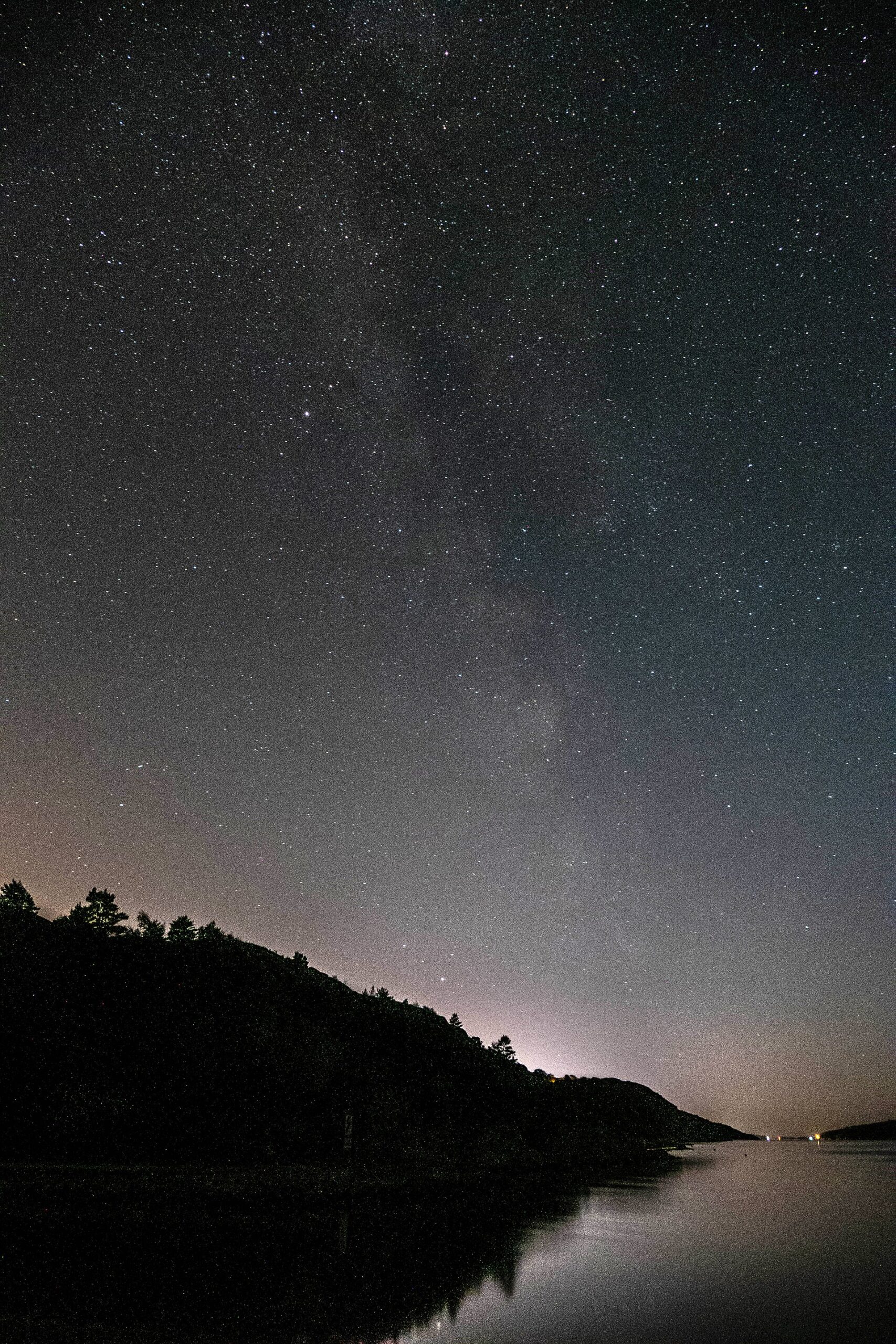
A naive brightening would turn midnight into a washed-out 2 p.m. Night mode does something subtler. After the merge, the phone estimates the scene’s white balance and applies tone mapping so shadows lift and highlights stay controlled while the overall mood still reads as night. That is why a good night-mode photo keeps a blue-black sky and warm streetlights instead of flattening everything into daylight.
What This Means for Your Photos
Hold the phone as still as you can during those one or two seconds — the pipeline is built around short bursts, but stability still helps. Night mode is made for handheld low light; on a tripod, a manual long exposure still wins for stars and city light trails. And know its limits: fast-moving subjects, or pitch-black scenes with nothing to anchor the alignment, can still trip it up.
Conclusion
Night mode is one of the cleanest demonstrations of computational photography: a physical limit — a tiny sensor starved of light — solved not with bigger glass but with a burst, alignment, and statistics. The next time a dark scene comes out clean, remember the phone didn’t simply brighten it. It averaged a dozen moments into one.
FAQ
Is night mode just a filter or AI enhancement?
No. It captures multiple real frames and merges them using alignment and noise averaging. It is gathering more light over time, not painting in detail.
Does night mode work on a tripod?
It will, but a manual long exposure often does better there, because night mode is optimized for handheld bursts rather than maximum light collection.
Why does night mode take a second or two?
It is shooting a burst of frames and then aligning and merging them on-device — a process engineered to finish in roughly two seconds.
Related Posts
The Future of Computational Photography: Software Is Becoming the Camera
For most of photography’s history, better pictures meant better glass:…
AI Scene Detection and Auto-Enhancement: How Your Phone’s Camera Sees What You See
What Is AI Scene Detection? Point your phone at a…

How Portrait Mode Creates Fake Bokeh: The Computational Illusion Behind Your Photos
Open your phone's camera, switch to Portrait Mode, and photograph…