What Is AI Portrait Retouching?
Portrait retouching has always been part of photography. For decades it meant a skilled editor working in Photoshop — healing blemishes with a clone stamp, evening skin tone with frequency separation, and sculpting light with dodge and burn. It was slow, manual, and took years to master.
AI portrait retouching automates that craft. Instead of painting corrections by hand, neural networks trained on millions of portraits learn what healthy skin, bright eyes, and clean teeth look like, then apply those corrections automatically — in seconds, and often right on your phone.
The key distinction is between enhancement and alteration. Enhancement removes temporary distractions — a blemish, under-eye shadow, a stray hair — while keeping the person recognizable. Alteration changes facial structure: slimming a jaw, enlarging eyes, reshaping a nose. This guide focuses mostly on the former, which is where computational photography truly shines.
How AI Face Enhancement Works
Under the hood, modern face enhancement runs through several stages. First, a face detector finds the face and maps its geometry using facial landmarks — dozens of points that mark the eyes, brows, nose, lips, and jawline. Second, a segmentation model labels each region: skin, eyes, lips, teeth, hair. Only then does the generative model make changes, so a skin-smoothing pass never blurs the eyes or washes out the hair.
Early “beauty filters” simply blurred everything, producing the waxy, plastic-skin look. Today’s models reconstruct rather than smear. Generative adversarial networks (GANs) and diffusion models regenerate texture — pores, fine lines, and light falloff — instead of erasing it. Researchers have built large benchmarks to train these systems: the PPR10K dataset, for example, contains more than 11,000 high-resolution portrait photos annotated for retouching, while newer work such as RetouchGPT uses large language models to guide retouching from plain-language instructions.
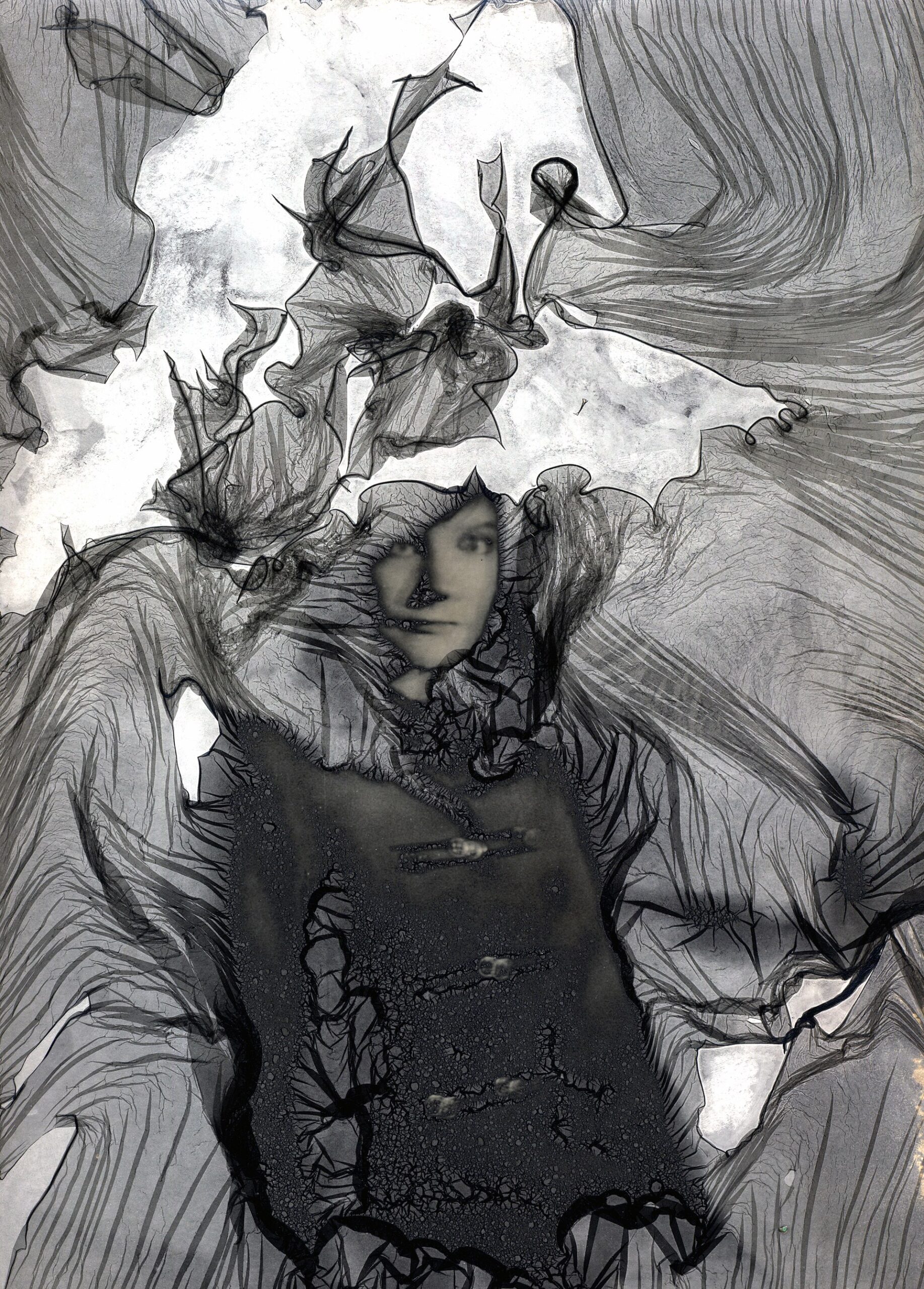
On flagship phones this runs locally on a dedicated neural processing unit (NPU), keeping your photos on the device and delivering results in under a second. More complex edits may be processed in the cloud, trading a little latency for a larger model.
Tools and Features to Know
AI retouching is now built into nearly every photo workflow:
- Adobe Lightroom and Photoshop — Neural Filters and generative remove handle blemish removal, skin smoothing, and lighting adjustments inside a full editing suite.
- Skylum Luminar Neo — its Face AI and Skin AI modules retouch portraits with dedicated sliders for skin, eyes, and face light.
- Google Photos (Pixel) — Magic Editor and Magic Eraser remove objects, relight subjects, and refine portraits with on-device models.
- Samsung Galaxy AI — generative edit tools erase distractions and enhance portraits directly from the built-in gallery.
- Apple Photos — the Clean Up tool removes unwanted objects, while Portrait mode and portrait lighting shape the shot at capture time.
- Standalone apps — tools like Remini and FaceApp specialize in face enhancement and restoration, including sharpening old or low-resolution portraits.
The Ethics of AI Face Enhancement
With that much power comes a responsibility to use it honestly. Over-smoothed skin and exaggerated features have real consequences. Researchers and clinicians have linked heavy beauty-filter use to body-image concerns — sometimes called “Snapchat dysmorphia” — as people compare themselves to AI-polished versions of their own faces.
There are authenticity concerns too. As retouching becomes invisible, the line between a touched-up photo and a fabricated one blurs. A parallel research field has emerged around detecting retouched or synthesized faces, and even reversing retouching to recover the original image. For photographers, the practical takeaway is simple: disclose heavy edits when it matters — journalism, ID photos, documentary work — and stay honest with yourself about personal edits.
Tips for Natural-Looking Results
The best AI retouching is the kind nobody notices. A few habits help:
- Use moderate strength. Most tools default to a safe level; pushing sliders to maximum is where the “plastic” look begins.
- Preserve skin texture. Keep pores and fine lines visible. If a tool has a texture or clarity control, use it to bring grain back after smoothing.
- Don’t whiten teeth to pure white or brighten eyes past natural — keep highlights realistic.
- Always compare before and after. Flip between the original and the edit; if the difference feels jarring, dial it back.
- Start with good light. The less the AI has to fix, the more natural the result. Soft, diffused light is retouching’s best friend.
Conclusion
AI portrait retouching and face enhancement have turned what was once a specialist craft into a one-tap feature. The technology no longer just blurs — it understands faces well enough to clear a blemish, lift under-eye shadow, and balance skin tone while keeping you looking like you. Used with restraint, it’s one of the most useful things computational photography has ever delivered. The goal was never to make people perfect; it’s to remove the distractions and let the person in the photo come through.
FAQ
Is AI face enhancement the same as a beauty filter?
Not quite. Classic beauty filters reshape features and apply heavy smoothing that changes how you look. AI enhancement is usually more targeted — removing blemishes and balancing light while preserving facial structure and skin texture. Many modern tools also let you control exactly how much smoothing is applied.
Can AI-retouched portraits be detected?
Yes, increasingly. As retouching has advanced, so has research into detecting and even reversing it. Detection models look for telltale artifacts in texture and lighting. That said, high-quality, subtle retouching is far harder to spot than an obvious filter.
Do I need a powerful computer to retouch portraits with AI?
No. Most phone cameras now run face enhancement on-device, and cloud-based tools work from any browser. Desktop software like Luminar Neo or Lightroom benefits from a dedicated GPU for faster batch work, but a single portrait can be enhanced on almost any modern device.
Featured image: “Portrait Photography of a Man” by Ready Street, via Wikimedia Commons (CC BY-SA 4.0).
Related Posts

How Portrait Mode Creates Fake Bokeh: The Computational Illusion Behind Your Photos
Open your phone's camera, switch to Portrait Mode, and photograph…
The Future of Computational Photography: Software Is Becoming the Camera
For most of photography’s history, better pictures meant better glass:…

Generative AI in Photo Editing: How Firefly, Magic Editor, and Galaxy AI Rewrite Your Photos
Photography has always been about capturing light — but a…