Switch your camera into video mode and you may notice the shutter speed jump to an odd value like 1/50 or 1/60 — even though you never touched it. That’s not a bug. It’s the 180-degree shutter rule at work, and it’s the single most important setting to understand when you move from stills to video. Get it right and your footage looks smooth and cinematic. Get it wrong and it looks jittery or smeared. Here’s what the rule is, where the “180 degrees” comes from, and how to use it — including when to break it.
What Is the 180-Degree Shutter Rule?
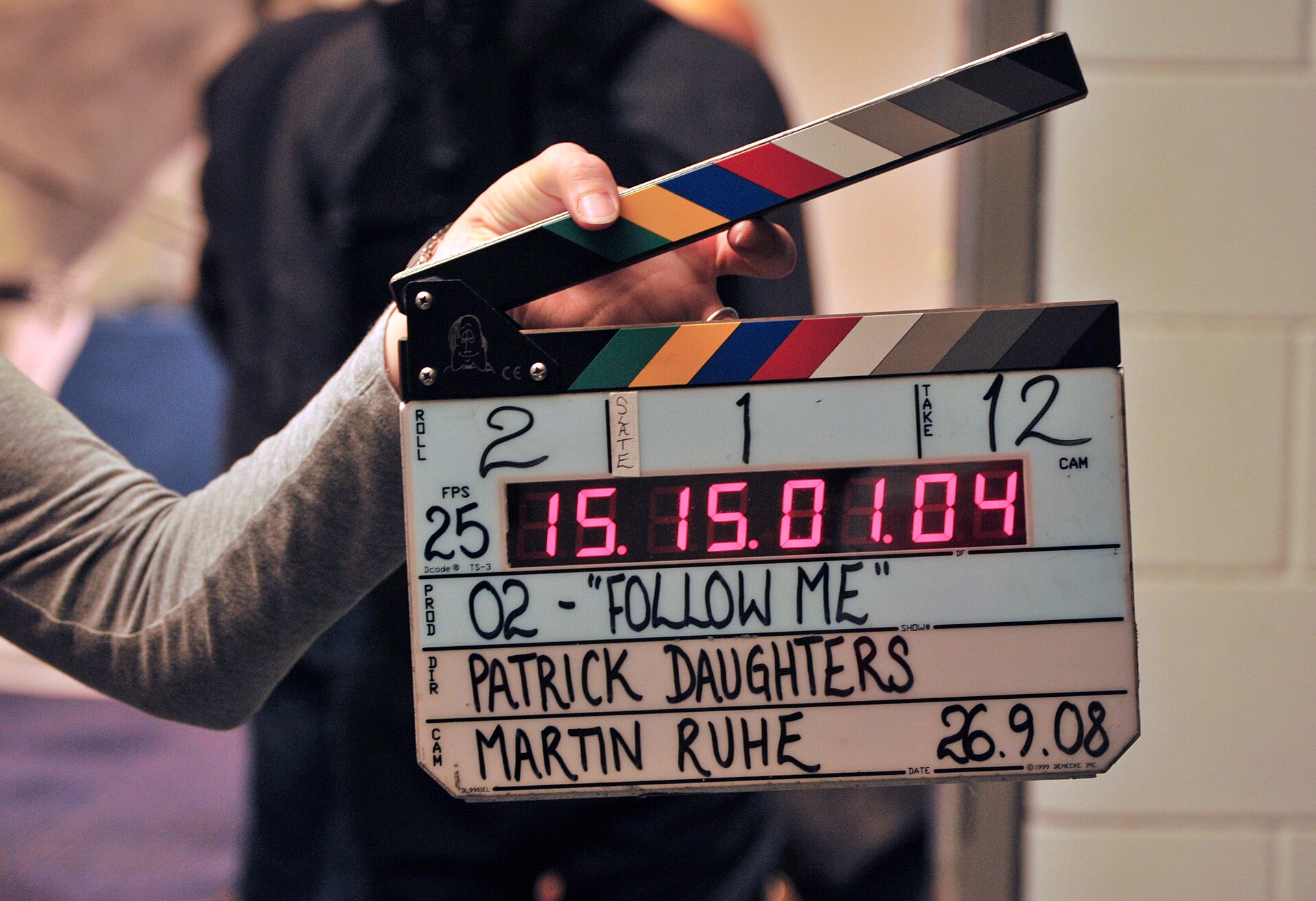
The rule says your shutter speed should be roughly double your frame rate. If you’re shooting at 24 frames per second (fps), use a shutter speed of 1/48 second — which most cameras round to 1/50. At 30 fps, use 1/60. At 60 fps, use 1/120.
The reason is motion blur. When the shutter stays open for about half the gap between frames, each frame records enough movement that it blends smoothly into the next. The result is a gentle blur that reads as natural — the same soft motion our eyes see in the real world. Shorter than half and movement stutters; longer than half and it smears.
Where Does “180 Degrees” Come From?
The term is a leftover from mechanical film cameras. Old movie cameras used a rotating disc shutter — a semicircular disc that spun in front of the film gate. Because half of the disc was cut away, the film was exposed for half of each frame’s cycle. A full circle is 360°, so half a circle became 180°.
Shutter angle is simply a way of expressing shutter speed as a fraction of the frame duration:
- 360° — shutter open the entire frame → shutter speed = 1/fps
- 180° — open half the frame → shutter speed = 1/(2 × fps)
- 90° — open a quarter → shutter speed = 1/(4 × fps)
The beauty of shutter angle is that it stays constant when you change frame rate. Switch from 24 fps to 60 fps in shutter-angle mode and the camera automatically shortens the shutter speed to keep the same amount of motion blur. In shutter-speed mode, you have to remember to change it yourself.
Quick Reference: Frame Rate to Shutter Speed
| Frame rate | 180° shutter speed |
|---|---|
| 24 fps | 1/48s (use 1/50) |
| 25 fps | 1/50s |
| 30 fps | 1/60s |
| 50 fps | 1/100s |
| 60 fps | 1/120s |
What Happens When You Break the Rule?
Smaller angle (faster shutter). At 90° or 45° you get crisp, nearly blur-free frames — but movement turns choppy and strobing, with a hyper-real “video game” feel. That’s exactly why it’s used deliberately: the battle sequences in Saving Private Ryan were famously shot at a 45° shutter angle to create a jittery, staccato look. A fast shutter is also useful when you plan to pull stills from video, since each frame is sharper.
Larger angle (slower shutter). At 270° or 360° you capture more blur, which looks smoother and dreamier — but fast-moving subjects smear and detail turns soft. The 360° angle also lets in a full stop more light than 180°, which is why some filmmakers use it in low light.
One practical caveat: under artificial lighting, certain shutter speeds cause visible flicker and banding because they don’t line up with the 50 Hz or 60 Hz mains frequency. Anti-flicker shutter modes — and oddball angles like 172.8° — exist precisely to sync the exposure with the light.
Why Videographers Always Carry ND Filters
Here’s the problem the rule creates: outdoors in daylight, 1/50s at a wide aperture lets in far too much light, even at ISO 100 — your image blows out. The fix is a neutral-density (ND) filter, which cuts light without changing color so you can keep 1/50 at f/2.8 in bright sun. This is why you’ll see variable ND filters permanently screwed onto the front of serious video lenses.
Which Cameras Let You Set Shutter Angle
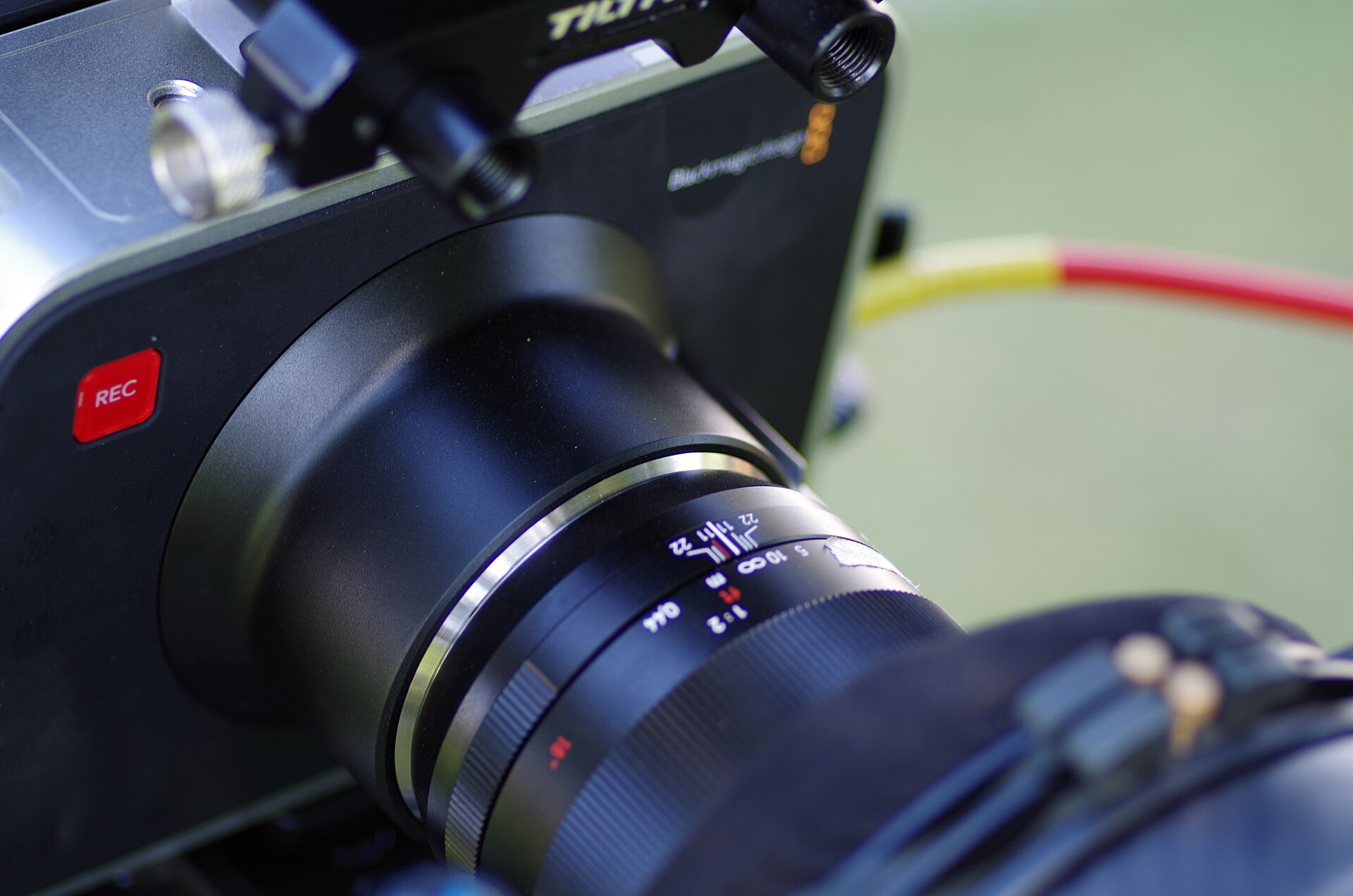
Cinema cameras from RED, ARRI, and Blackmagic Design have always expressed exposure as shutter angle. In the mirrorless and hybrid world, Panasonic’s video-focused Lumix bodies (the GH and S series) and Sony’s FX cinema line (FX3, FX6, FX30) offer a dedicated shutter-angle mode, while most stills-first cameras make you dial in the equivalent shutter speed manually. Either way, the math is identical — the angle is just a more convenient way to think about it.
Conclusion
The 180-degree rule isn’t a law; it’s a starting point. Keep it as your default for natural-looking video, then push the angle in either direction when a scene calls for a different feel. Once you internalize “shutter speed = double the frame rate,” you can set it correctly on any camera in seconds.
FAQ
Is this the same as the 180-degree rule in film editing?
No. The editing “180-degree rule” is about screen direction — keeping characters on consistent sides of the frame between shots. This one is purely about shutter speed versus frame rate.
What shutter speed should I use at 24 fps?
1/48 second, or 1/50 on cameras that don’t offer 1/48. Both are standard and look effectively identical.
Do I have to use exactly double my frame rate?
No — close is fine. 1/50 at 24 fps and 1/60 at 30 fps are standard practice. What matters is keeping it consistent and being intentional when you deviate.
Why does my footage flicker indoors?
Your shutter speed probably doesn’t match the 50 Hz or 60 Hz frequency of the room’s lighting. Try a shutter speed that divides evenly into the mains frequency, or enable your camera’s anti-flicker setting.
Related Posts
Understanding ISO in Photography: A Complete Beginner’s Guide
Exposure is the foundation of every photograph, and three settings…
Aperture and Depth of Field Explained: A Complete Beginner’s Guide
Aperture is one of the three pillars of the exposure…

Macro Photography: A Complete Guide to Close-Up Shooting
Macro photography opens up a world the naked eye barely…