Fujifilm cameras have one feature that keeps photographers loyal like almost nothing else in the industry: film simulations. These aren’t Instagram-style filters layered on top of a finished photo — they’re carefully engineered in-camera color profiles modeled on Fujifilm’s own analog film stocks, applied at the moment of capture. Here’s how they work, what each of the roughly 20 simulations does, and how to choose the right one for your shot.
What Are Film Simulations?
A film simulation is a recipe of tone curve, contrast, saturation, and color response that the camera’s image processor bakes directly into your JPEG or HEIF file. Fujifilm built these profiles from decades of manufacturing actual film — Provia, Velvia, Astia, Superia, Eterna, and Acros are all real Fujifilm stocks whose “look” has been digitized. Because the simulation is applied during processing rather than as a cosmetic overlay, it behaves like film: highlights roll off smoothly, shadows have a particular tint, and skin tones respond in a predictable way.
Every X Series and GFX body carries a set of simulations, with newer cameras adding more. The count depends on the model, but recent bodies ship with around 20 (including the monochrome filter variants). Crucially, a film simulation only affects the JPEG or HEIF — the RAW file always keeps the untouched sensor data.
The Color Slide Film Simulations
PROVIA (Standard) is the default on most Fujifilm cameras. It’s built around “memory colors” — skies stay clean, sunsets look vivid, and greenery feels lush without tipping into oversaturation. It’s the all-rounder: start here and only change when you want a specific mood.
Velvia (Vivid) pushes saturation and contrast hard, making greens and reds punchy and dramatic. It’s the classic landscape and nature choice — the digital heir to Fujichrome Velvia, the slide film landscape photographers loved for decades.
ASTIA (Soft) is Velvia’s opposite: softer contrast, gentler saturation, and flattering skin tones. Portrait and wedding shooters reach for Astia when they want a muted, elegant finish without heavy editing.
The Negative Film Simulations
CLASSIC CHROME delivers muted color and deep shadows with a documentary, almost editorial feel — a favorite for street photography and reportage where vivid color would be a distraction.
CLASSIC Neg. recreates consumer negative film (think Superia left in the camera for months): hard contrast, cyan-green shadows, and magenta-leaning highlights. The result is a lo-fi, nostalgic “memory of a day gone by” that’s hugely popular for everyday snapshots.
NOSTALGIC Neg. goes warmer still, with an amber cast and soft tones that evoke 1970s American color photography.
PRO Neg. Hi and PRO Neg. Std are the professional negative pair. Std suits controlled studio light with moderate contrast, while Hi adds contrast to create definition in flat natural light — ideal for outdoor portraits.
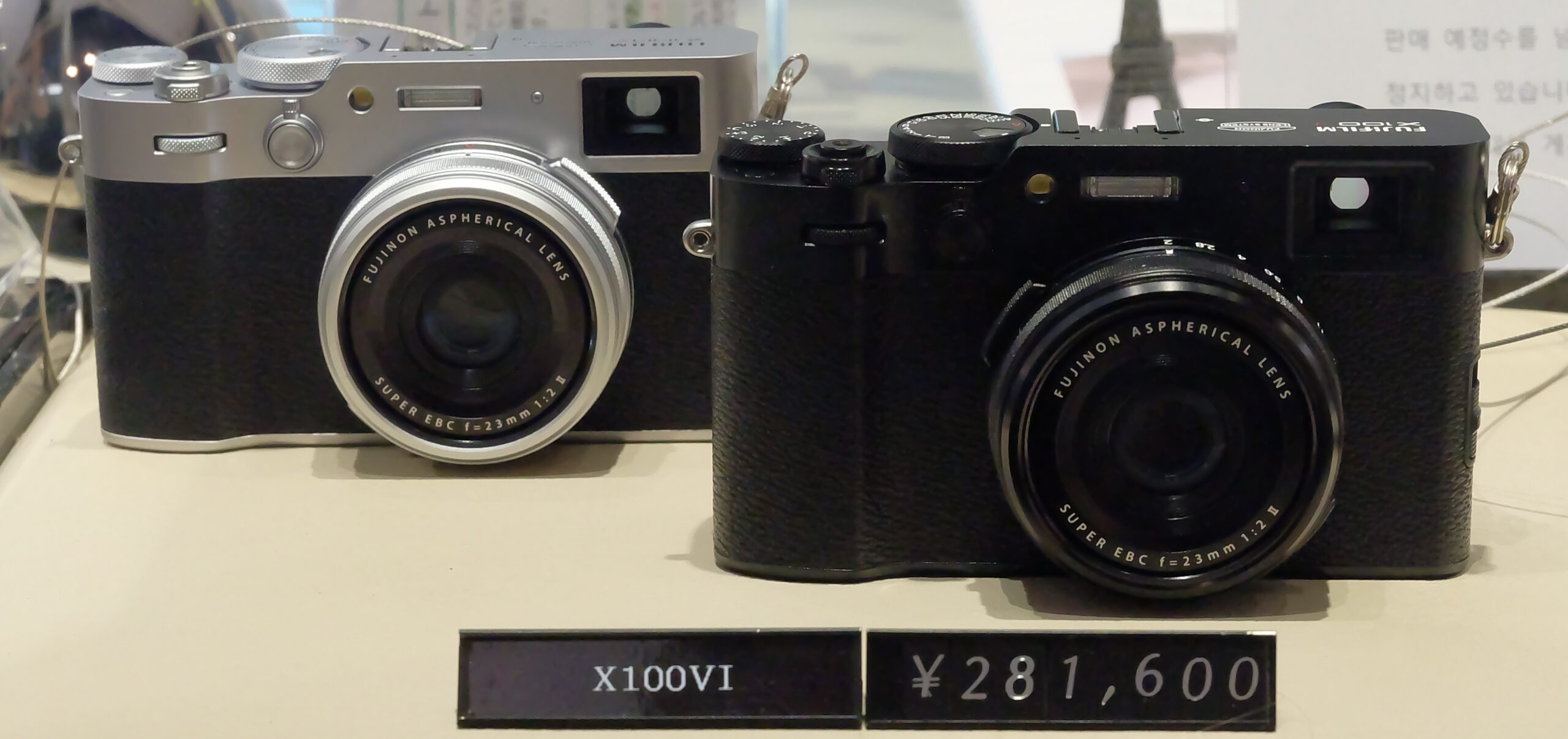
REALA ACE is the newest addition, debuting on the X100VI and X-T50 in 2024. It blends soft, deep shadows with harder highlights and mutes colors subtly as they saturate, producing rich but natural tones and reliable skin color. Fujifilm positions it as a modern all-rounder for snapshots and family photos.
The Cinema Simulations
ETERNA was designed for video: low saturation and soft highlight roll-off give footage a flat, cinematic base that’s gentle on skin and easy to grade. If you shoot video on a Fujifilm body, Eterna is the default recommendation.
ETERNA BLEACH BYPASS mimics the film-lab “skip the bleach” process — desaturated color with crushed, gritty contrast. It’s a strong stylistic choice for moody, high-drama stills or clips.
Monochrome Options
For black and white, ACROS is the standout: fine, film-like grain and smooth tonal transitions that fall off gracefully into shadows. MONOCHROME is the cleaner standard B&W. Both come in Yellow, Red, and Green filter variants (which lighten or darken corresponding colors in the scene), and SEPIA rounds out the monochrome family.
Film Simulation Recipes
What made film simulations a phenomenon is the recipe community. A recipe layers a film simulation with tweaks to grain, highlight and shadow tone, color, sharpness, and white-balance shift — then saves the combination to one of the camera’s custom slots (C1–C7). Shooters have reverse-engineered looks resembling Kodak Portra, Cinestill, and countless other stocks, and share their exact settings online. Once saved, your custom look applies instantly in-camera with zero editing.
Film Simulations vs RAW
The most important practical point: a film simulation never destroys data. If you shoot JPEG-only, the look is baked in. But if you shoot RAW (or RAW+JPEG), the RAW file remains neutral, and you can apply — or change — any film simulation afterward using the camera’s in-camera RAW conversion or Fujifilm X RAW Studio on a computer. Shooting RAW+JPEG gives you a finished, film-look JPEG straight out of the camera and the freedom to re-grade later.
FAQ
Do film simulations affect RAW files?
No. They’re applied to the JPEG/HEIF only; the RAW file keeps full sensor data and can be re-processed with any simulation later.
Which film simulation is best for landscapes?
Velvia, for its rich saturation and contrast — though Provia is a safer, more balanced alternative for high-contrast scenes.
Can I use film simulations for video?
Yes. Eterna is specifically tuned for video with soft highlights and low saturation that grades cleanly.
What’s the newest film simulation?
Reala Ace, introduced with the X100VI and X-T50 in 2024, and since added to other recent models via firmware.
Conclusion
Film simulations are the closest thing digital photography has to choosing a film stock — except you can switch at any moment and never lose the original data. Start with Provia, experiment with Classic Chrome and Classic Neg. for a documentary feel, reach for Eterna on video, and build a few recipes of your own. It’s the fastest way to give your Fujifilm photos a consistent, signature look without ever opening an editor.
Related Posts
High-Speed Sync (HSS) Explained: How Flash Works Above Your Camera’s Sync Speed
If you have ever tried to use a flash in…
Backside-Illuminated (BSI) vs Frontside-Illuminated Sensors: What’s the Difference?
Scroll through the spec sheet of any modern camera or…
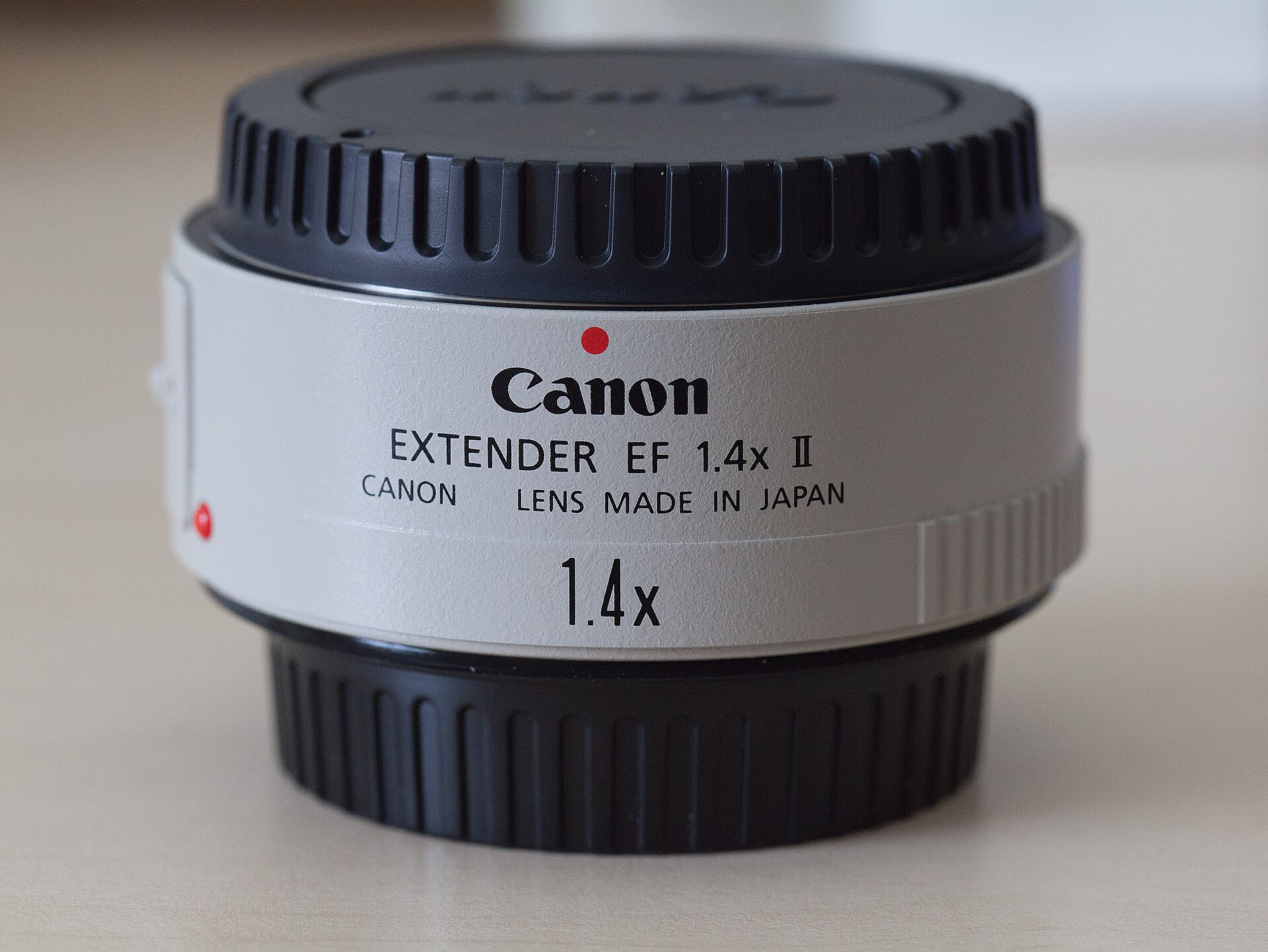
Teleconverters Explained: How 1.4x and 2x Extenders Work (and When to Use Them)
Teleconverters are among the most misunderstood accessories in photography. For…