Tap the shutter on a modern iPhone or a recent mirrorless camera and there’s a good chance your photo is saved in a format most people have never heard of: HEIF, not JPEG. The trusty JPEG has been the internet’s photo standard since 1992, but it’s now approaching its technical ceiling. A quiet migration toward HEIF is underway across phones, cameras, and editing software. Here’s what HEIF actually is, how it stacks up against JPEG, and whether you should make the switch.
What Is HEIF? (And What Do HEIC and HIF Mean?)
HEIF stands for High Efficiency Image Format, a container standard published as ISO/IEC 23008-12. Instead of JPEG’s aging compression, it stores image data using the HEVC codec — the same technology behind H.265 video. That single change is the main reason the format is roughly twice as efficient.
You’ll see HEIF under two different labels, but they are the same thing underneath:
- HEIC — Apple’s filename extension. It has been the default iPhone photo format since iOS 11 shipped in 2017.
- HIF — the extension used by Canon, Sony, Fujifilm, and Nikon cameras when they save 10-bit HEIF stills.
The Key Differences: Bit Depth, File Size, and HDR
The gap between JPEG and HEIF comes down to three things.
Bit depth. A JPEG is locked at 8 bits per color channel — 256 tonal values each, or about 16.7 million colors. HEIF supports 10-bit (and up to 12-bit) color, which is 1,024 values per channel, or more than a billion colors. In practice, that extra headroom means smoother gradients: skies, skin tones, and subtle color transitions are far less likely to show banding or posterization, especially after editing.
File size. HEIF files run roughly half the size of an equivalent JPEG at the same visual quality. Sony’s own documentation puts HEIF compression efficiency at about twice that of JPEG, and Nokia — which co-developed the format — measured that JPEG needs about 139% more data to hit the same objective quality.
HDR and extras. JPEG simply cannot store high dynamic range. HEIF can carry HDR stills using the PQ or HLG transfer curves, along with wide color gamuts like Display P3 and Rec.2020. The container can also hold depth maps, image bursts, and “gain maps” that let a single file render correctly on both HDR and standard displays.
Why Phones and Cameras Are Switching
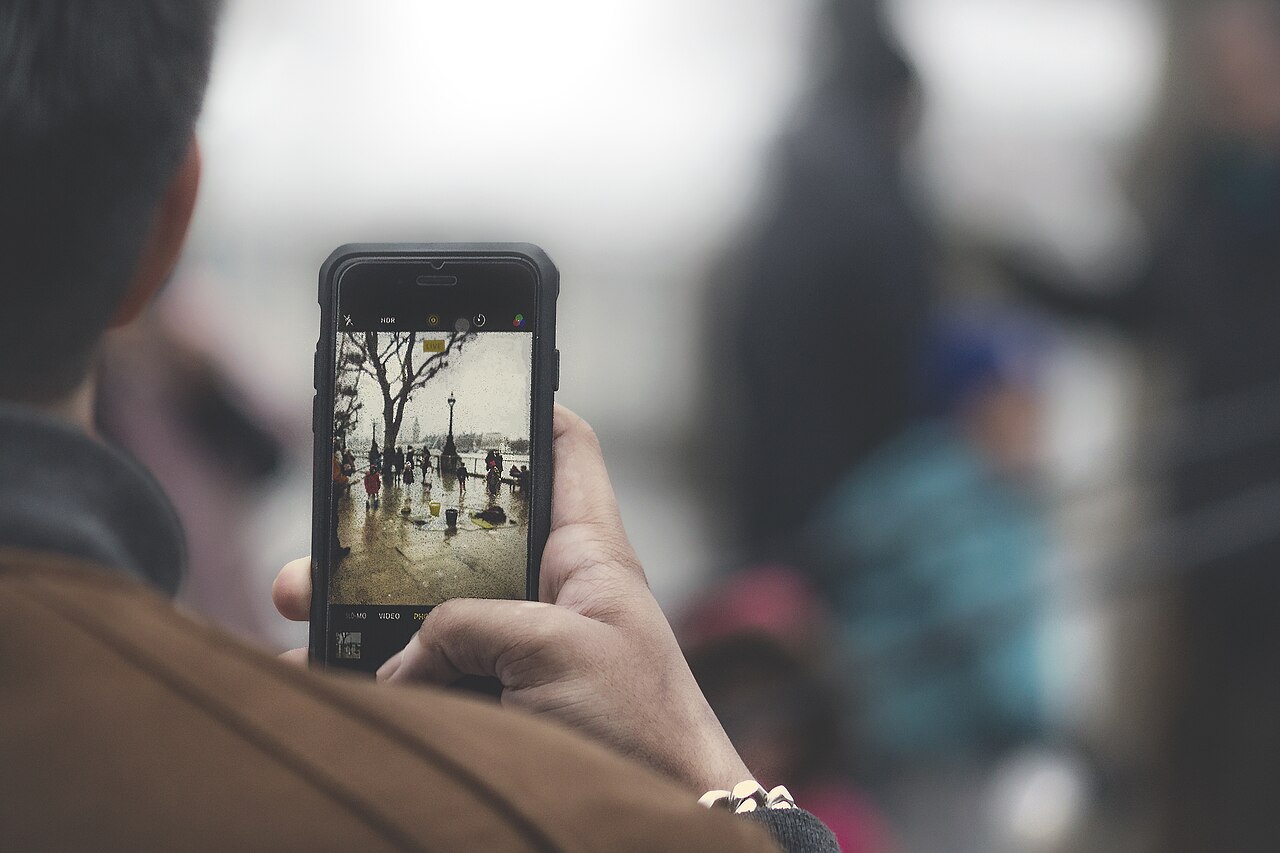
Apple made HEIC the iPhone default years ago, which quietly made HEIF the most-used photo format on Earth — every Live Photo and burst you capture is stored in it. Android flagships from Samsung and others followed with HEIF capture options.
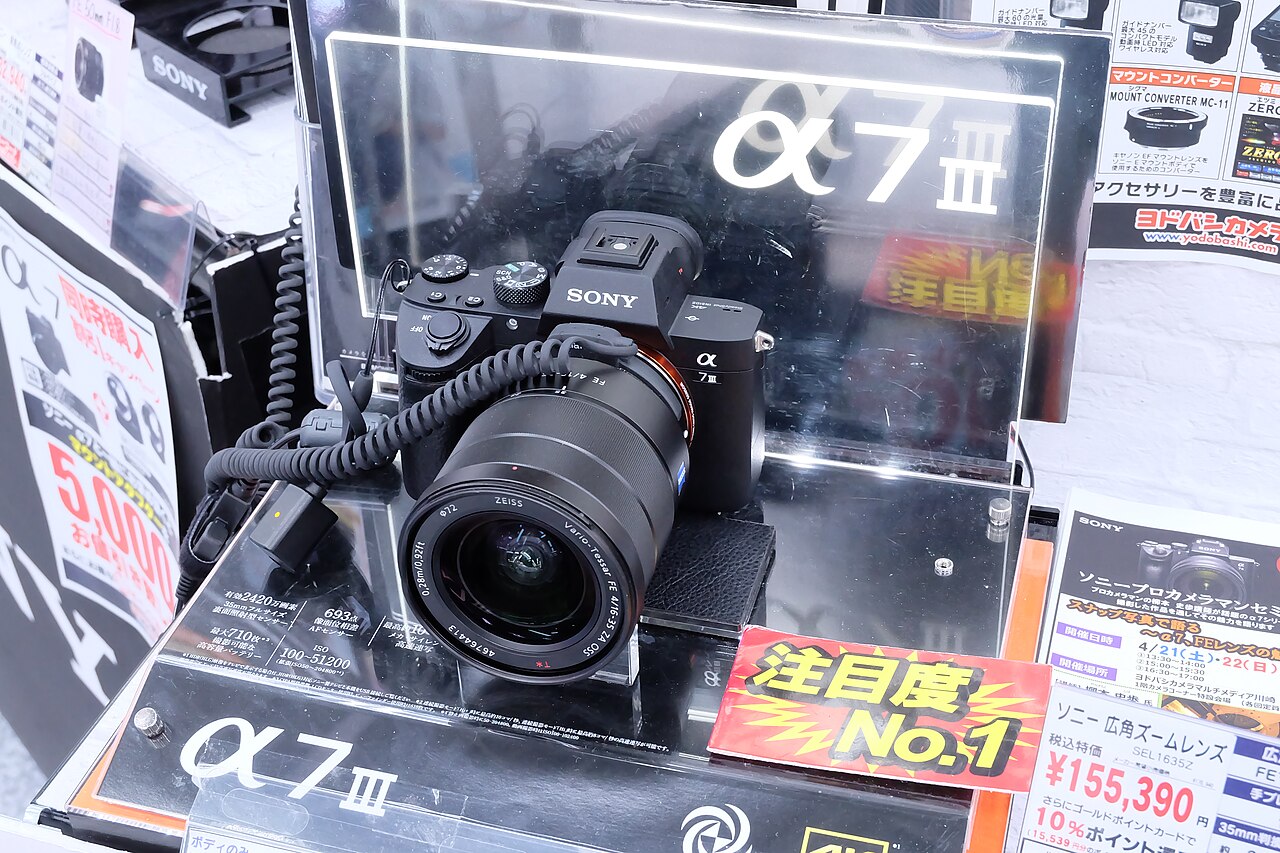
The more interesting story is in dedicated cameras, where the motivation is bit depth rather than storage. Canon bodies including the EOS R5, R6 Mark II, R3, and R1 save HEIF stills in HDR PQ (using the .HIF extension). Sony offers HEIF on models like the a1, a7 IV, a7R V, and a9 III, with a choice of 4:2:0 or 4:2:2 color sampling and HLG HDR stills. Nikon (Z9, Z8, Zf, Z6 III), Fujifilm (X-H2, X-T5, X100VI), and Hasselblad (X2D) have all added 10-bit HEIF capture. For photographers, it pairs naturally with HDR video workflows and reduces banding in smooth tonal areas.
The Catch: Compatibility
HEIF’s biggest weakness isn’t quality — it’s that the world still runs on JPEG. Safari is the only major browser that displays HEIC images natively; Chrome, Firefox, and Edge will offer you a download instead, largely because of HEVC’s patent licensing. Windows 11 reads HEIC out of the box, but Windows 10 needs a free extension. Photoshop can open HEIC files but can’t save them, and older photo-management tools can’t read them at all.
There’s one more gotcha: converting an HDR HEIF to JPEG isn’t a simple copy. If tone mapping isn’t applied, highlights can blow out and colors can look flat. Use the camera maker’s own software (Canon DPP, Sony Imaging Edge) or a color-managed editor when flattening to JPEG.
What About AVIF?
HEIF isn’t the only next-generation format. AVIF, based on the AV1 video codec from the Alliance for Open Media, is even more efficient and — unlike HEVC — was designed to be royalty-free. All major browsers have supported AVIF since about 2024, making it a favorite for delivering images on the web. For now, though, HEIF remains the camera-capture format while AVIF is mostly a web-delivery format — and AV1’s “royalty-free” promise is now being tested in court, with Dolby filing a patent suit in 2026.
Should You Switch?
- Keep shooting JPEG if you need maximum compatibility, quick sharing to any platform, and no HDR editing.
- Use HEIF if you’re on an iPhone (it’s already the default), want 10-bit color with less banding, need to save storage, or work with HDR.
- Shoot RAW if you want full control for heavy editing — HEIF is still a processed format, just a smarter one than JPEG.
FAQ
Is HEIC the same as HEIF?
Yes. HEIC is Apple’s filename extension for files in the HEIF container. A Sony or Canon .HIF file is the same format family.
Does converting HEIF to JPEG lose quality?
Yes, at the margins. You’re going from 10-bit to 8-bit color, so smooth gradients can show subtle banding. Proper tone mapping and dithering minimize it.
Can I share HEIC files with anyone?
Not reliably. Many apps, web forms, and browsers still reject HEIC. Convert to JPEG before sharing broadly.
Is HEIF as good as RAW?
No. HEIF is a processed, compressed format with better color than JPEG, but RAW holds the full sensor data for maximum editing latitude.
Conclusion
HEIF isn’t a gimmick — it’s the format JPEG could never become: half the size, ten times the color, and HDR-ready. If you use an iPhone, it’s already working for you invisibly. If you shoot a modern mirrorless camera and your editing software supports 10-bit HEIF, it’s a genuine upgrade. Just keep a JPEG or RAW copy handy when the destination isn’t ready for it.
Related Posts
Back Button Focus Explained: Why Pros Separate Focus from the Shutter Button
Out of the box, nearly every camera focuses the same…
Exposure Modes Explained: P, A (Av), S (Tv), and M — When to Use Each
Look at the top of any modern camera and you'll…
The Exposure Triangle: Aperture, Shutter Speed and ISO Explained
Every photograph you take is the result of one simple…