Every photo you take contains more than the image you see. Tucked inside each JPEG and RAW file is a hidden data sheet called EXIF metadata — a record of exactly how, when, and where the shot was made. Understanding EXIF can make you a better photographer, help you organize your library, and protect your privacy. Here’s everything you need to know.
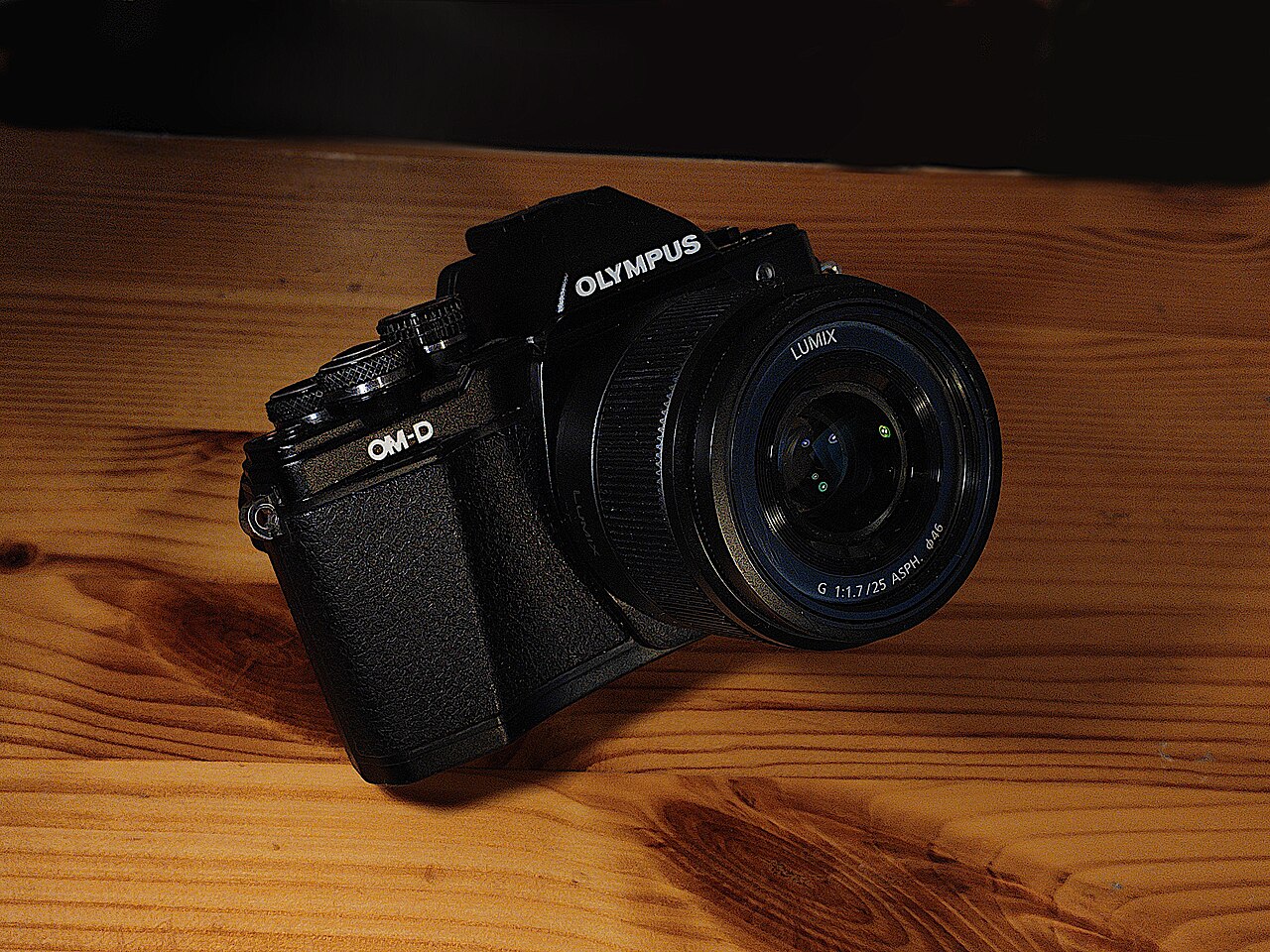
What Is EXIF Data?
EXIF (Exchangeable Image File Format) is a metadata standard that cameras embed directly into image files the moment you press the shutter. It was developed in the mid-1990s by JEITA, Japan’s electronics-industry association, and is still maintained today — the current specification is EXIF 2.32. The format is designed to live inside JPEG and TIFF files, and most RAW formats (including those from Canon, Sony, and Nikon) borrow its structure.
Unlike the image itself, which is rendered from pixels, EXIF is a set of text and numeric fields stored in a structured header. It rides along invisibly, so you only notice it when you deliberately look for it — or when something about it goes wrong.
What Information Does EXIF Store?
The most useful EXIF fields describe how the exposure was made. They include:
- Make and Model — the camera body (a Canon EOS R6 Mark II, a Sony A7 IV, or a phone model).
- Exposure time, aperture, and ISO — the three sides of the exposure triangle, exactly as set.
- Focal length and lens model — which lens was attached and at what zoom.
- Metering mode, exposure program, and flash status — how the camera decided on those settings.
- White balance and color space — how color was interpreted and stored.
Beyond exposure, EXIF records the date and time the photo was taken, image orientation, pixel dimensions and resolution, a small embedded thumbnail, and — on many cameras — the body and lens serial numbers. If your camera or phone has GPS enabled, it may also store latitude, longitude, and altitude in a separate location block.
Why EXIF Matters
EXIF is a learning tool. When you review a photo you like, reading its settings shows you the exact shutter speed, aperture, and ISO that produced it — a fast way to reverse-engineer good technique. It’s also essential for organization: photo apps sort by capture date using EXIF timestamps, and catalog software such as Lightroom and Capture One uses it to filter by lens, camera, or focal length.
EXIF also serves as documentation. The embedded timestamp and device identifiers can act as evidence of when and with what a photo was made — one reason forensic analysts and copyright disputes lean on it.
How to Read EXIF Data
You can view EXIF in-camera through a photo’s info display, but the most practical routes are on a computer. On Windows, right-click a photo and choose Properties → Details. On macOS, open the image in Preview and press Cmd+I. Photo editors such as Lightroom expose it in the Metadata panel, while Canon’s Digital Photo Professional and Sony’s Imaging Edge surface it alongside editing controls.
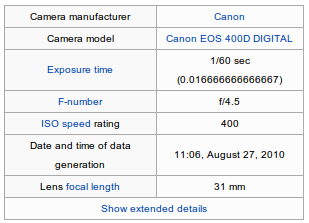
For the most complete readout — including obscure maker-specific fields — the free command-line tool ExifTool is the de facto standard, and online EXIF viewers will decode a file in your browser without installing anything.
The Privacy Side of EXIF
EXIF is a double-edged sword. If your photos carry GPS coordinates, sharing them online can reveal exactly where they were taken — your home, your workplace, or your child’s school. Serial numbers can be matched to a stolen camera listing, and timestamps reveal your routine.
Most social platforms strip EXIF on upload: Instagram, Facebook, and X remove location and device data automatically. But email attachments, direct file transfers, cloud storage, and many photo forums preserve it. Before sharing a sensitive image, assume the metadata travels with it.
How to Edit, Remove, or Strip EXIF
Editing a field — fixing a camera whose clock was wrong, for example — is easy in most photo apps. Removing metadata entirely is a stronger step. Windows and macOS both let you delete selected properties from a file’s details, and ExifTool can strip everything with a single command. If you want to keep some fields and remove only GPS, most editors let you choose.
A good rule of thumb: strip GPS and serial numbers before publishing, keep capture date and exposure settings for your own catalog, and remember that a screenshot is always metadata-free if you need a quick, clean copy.
Conclusion
EXIF is the invisible backbone of your photo library. It records how each image was made, powers your organization tools, and quietly carries privacy implications. Learning to read it — and knowing when to strip it — is a small habit with an outsized payoff for any photographer.
FAQ
Does every camera write EXIF data?
Virtually all digital cameras and smartphones write EXIF automatically. Some apps, screenshots, and certain export workflows strip it.
Is EXIF stored in RAW files?
Yes. Most RAW formats embed EXIF or EXIF-derived fields, though some proprietary fields are maker-specific.
Can I see EXIF on my phone?
Yes — most gallery apps show basic EXIF when you open a photo’s details or info view.
Do social media sites remove EXIF?
Instagram, Facebook, and X strip metadata on upload, but many file-sharing services and forums do not.
Related Posts

Video Codecs Explained: H.264, H.265, ProRes, and RAW
Every time you press the record button, your camera does…
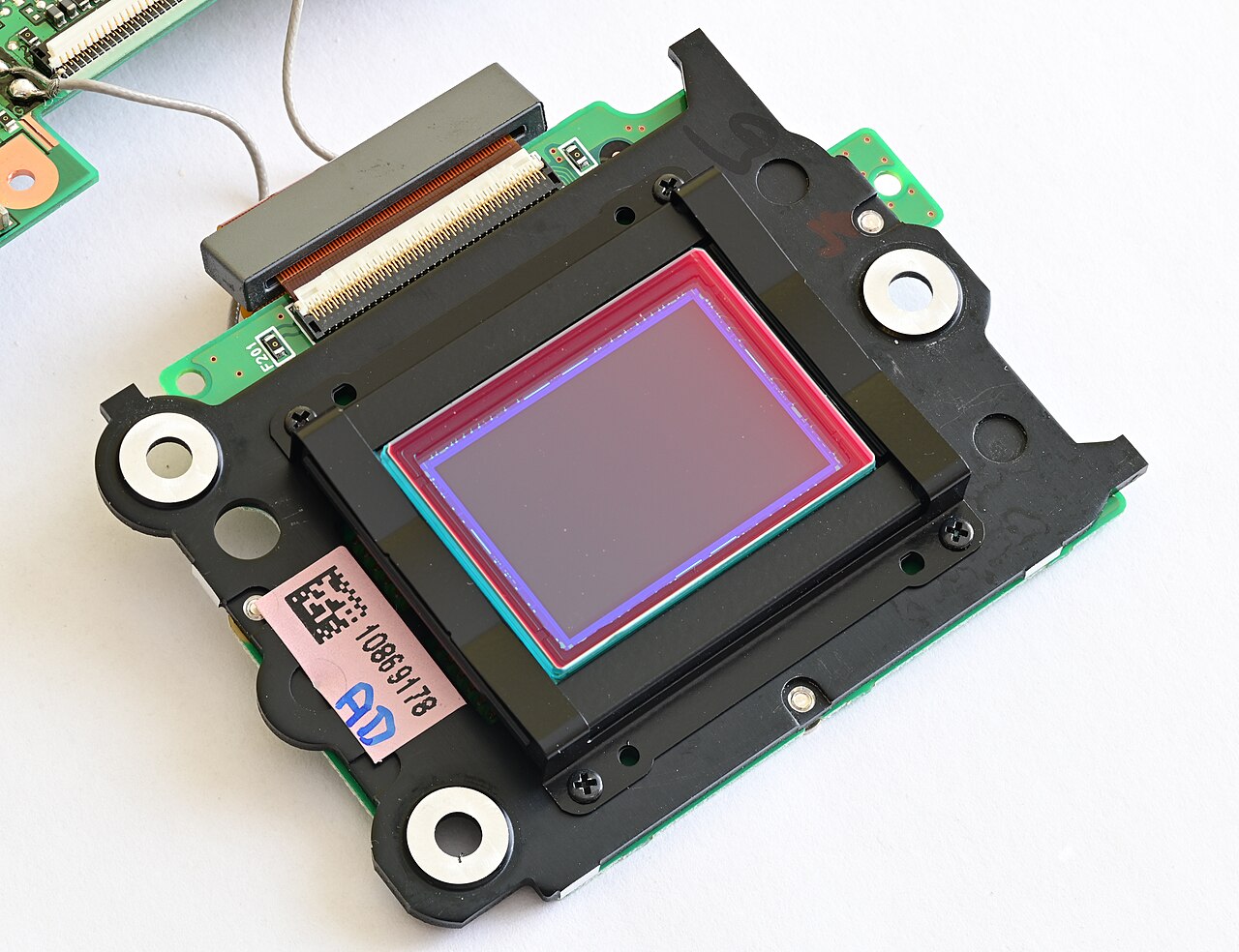
Optical Low-Pass Filter (Anti-Aliasing) Explained: Why Some Cameras Show Moiré and Others Don’t
Point your camera at a finely woven shirt, a distant…
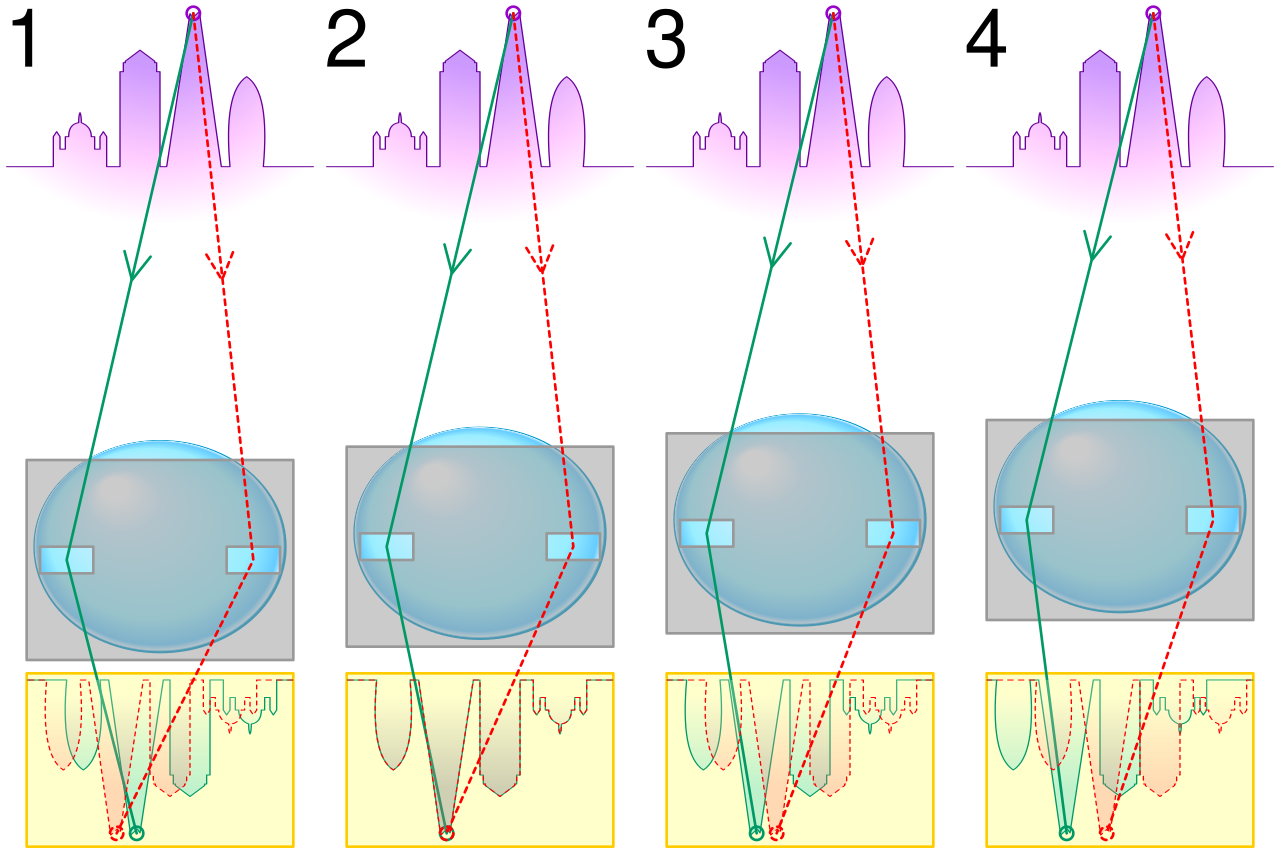
How Autofocus Works: Phase Detection vs Contrast Detection
Every time you half-press the shutter button, your camera has…