Every photographer wants less noise and more detail in the shadows. Most people reach for the noise-reduction slider in post, but there is a capture-time technique that does the heavy lifting before you ever open Lightroom: exposing to the right, or ETTR. Instead of exposing for a “correct” middle gray, you deliberately push the histogram as far right as possible without clipping highlights, then pull the image back down in editing. The result is a cleaner file with more recoverable detail. Here is how it works and how to do it.
What Is Expose to the Right?
“Expose to the right” refers to the histogram — the graph on your camera (or in Lightroom) that shows the distribution of tones, from pure black on the left to pure white on the right. A “correct” exposure usually sits near the middle of the graph. ETTR deliberately shifts that distribution to the right, toward the highlights, so the image looks slightly — sometimes quite — overexposed on the back of the camera. You then darken it in post to restore normal brightness.
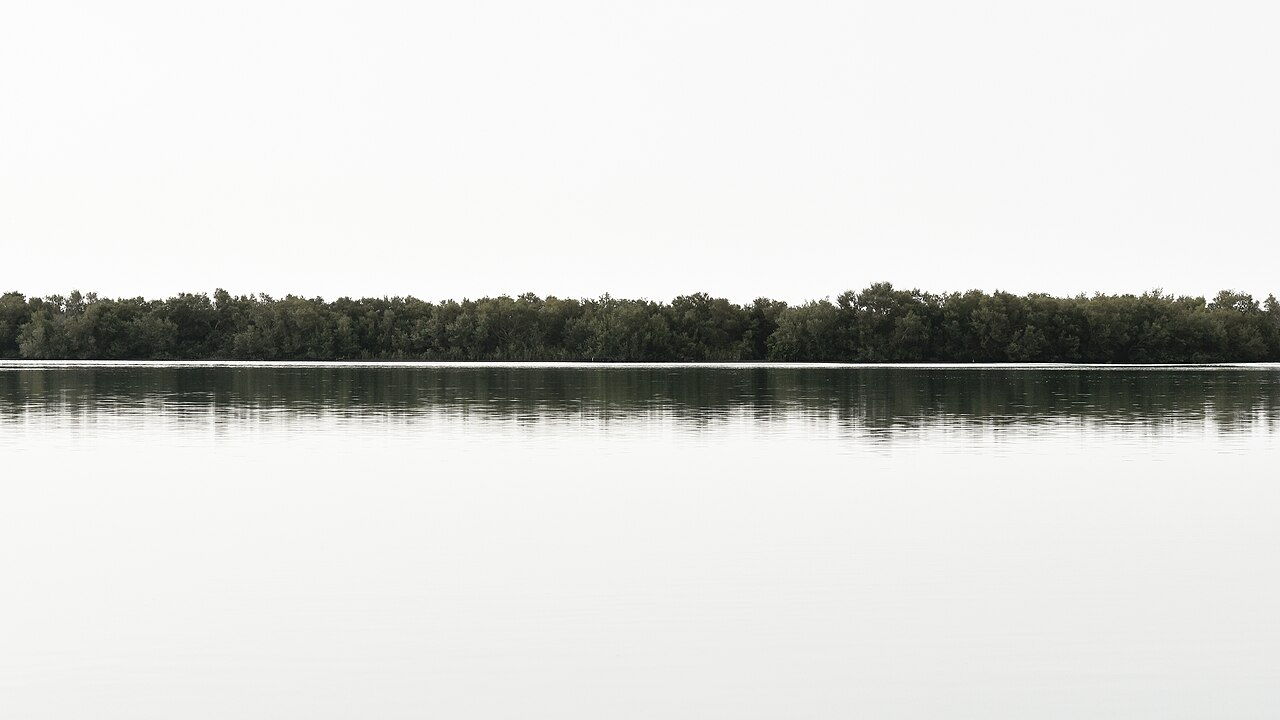
The catch: you must not push so far that highlights clip to pure white. Once a pixel is blown out, that data is gone forever. ETTR is about getting as close to the right edge as possible while keeping detail in the brightest areas.
Why ETTR Works: Bits, Noise, and the Linear Sensor
ETTR is a consequence of how digital sensors record light. A sensor is linear: double the light, and you double the recorded value. That means the brightest stop of light occupies a huge share of the available tonal values.
In a 12-bit RAW file there are 4,096 levels per channel. The brightest stop uses roughly half of them — about 2,048 levels. The next stop down uses about 1,024, the next 512, and so on. By the time you reach the deep shadows, a stop might be recorded with only 16 or 32 levels. The darkest parts of your image are stored with the fewest gradations, which is exactly where banding and muddy transitions appear.

Worse, noise is proportionally strongest in the shadows. Two main sources dominate: photon (shot) noise, which is inherent to light itself, and read noise from the sensor electronics. Shot noise is relative — it is a smaller fraction of the signal when there is more light. A bright area has a high signal-to-noise ratio and looks clean, while a shadow area has a low ratio and looks noisy.
ETTR exploits this by capturing more light. When you push exposure right and then darken the image in post, you effectively give the shadows more photons during capture. You lift them out of the noisy, level-starved region of the sensor’s response and record them with more tonal steps and better signal-to-noise. The final result — after you bring the brightness back down — has visibly cleaner shadows and smoother gradients.
How to Expose to the Right in Practice
- Turn on the histogram. Shoot with the RGB histogram visible (or review it after each shot). A single luminance histogram can hide a clipped color channel, so the RGB version is safer.
- Increase actual light capture. Push exposure using a slower shutter speed, a wider aperture, or more light on the subject. Avoid raising ISO to “ETTR” — ISO does not add photons. On most sensors, raising ISO past base simply amplifies the signal and can clip highlights without capturing any more light.
- Watch the highlight warning. Most modern cameras offer “blinkies” (highlight alert) or zebras that flash on blown-out areas. Keep them just barely off in the areas you care about. Sony and Canon bodies, for example, let you view a live histogram and highlight alert right in the viewfinder.
- Keep specular highlights in check. It is fine to let the sun or a bright light bulb clip — those have no recoverable detail anyway. Protect the highlights that matter: skies, skin, and textured bright surfaces.
- Do not fear a bright preview. A properly ETTR’d RAW often looks washed out on the LCD. That is expected.
ETTR for RAW vs JPEG
ETTR is fundamentally a RAW technique. RAW files are linear and record the full bit depth, so the “push right, pull down” workflow actually gains you real tonal data.
JPEG is a different story. The camera applies a tone curve, white balance, and compression before saving, and the file is only 8 bits (256 levels). Pushing a JPEG right and pulling it down in post tends to produce flat, posterized highlights and muddy mid-tones with little of the noise benefit. If you shoot JPEG, it is usually better to aim for a near-correct exposure. For ETTR to pay off, shoot RAW.
Common ETTR Mistakes to Avoid
- Clipping the highlights. This is the cardinal sin. Blown highlights cannot be recovered, while slightly underexposed shadows usually can be lifted — so err on the side of caution.
- Using ISO instead of light. Cranking ISO to brighten the image is not ETTR; you are not gathering more photons. Stick to shutter, aperture, or added light.
- Applying ETTR to every shot. In fast, uncontrolled situations — sports, events, moving subjects — nailing the moment matters more than a perfect histogram. Save ETTR for scenes where you can control exposure.
- Over-brightening skin tones. If a face is the brightest object, ETTR can push skin into a harsh zone that is hard to grade back. In portraits, protect the skin and ETTR the rest of the scene.
Conclusion
Expose to the right is one of the cheapest upgrades in photography: it costs nothing and can measurably reduce shadow noise and banding in your RAW files. The idea is simple — capture as much light as the sensor can hold without clipping — but it rewards practice. Shoot RAW, watch the RGB histogram and highlight warning, add real light rather than ISO, and you will come home with noticeably cleaner files.
FAQ
Does ETTR work on all cameras?
On any camera that shoots RAW, yes. The benefit is most visible on sensors with weaker shadow performance, and it is strongest at base ISO.
Why do my ETTR photos look washed out?
Because they are overexposed at capture. That is expected — you restore brightness in post. The goal is more recorded light, not a pretty preview.
Is ETTR the same as HDR?
No. HDR blends multiple exposures to fit a huge dynamic range into one image. ETTR is a single exposure pushed bright to maximize data, then darkened later.
Related Posts

Focus Stacking Explained: How to Get Everything Sharp from Front to Back
Try to photograph a flower, an insect, or a piece…
Golden Hour and Natural Light Photography: A Complete Guide
Ask almost any landscape or portrait photographer to name their…
The Exposure Triangle: Aperture, Shutter Speed and ISO Explained
Every photograph you take is the result of one simple…