Walk into almost any gym, office, or supermarket and you are shooting under light that is not actually continuous. Fluorescent tubes and LED fixtures flicker — switching on and off dozens, hundreds, even thousands of times every second. Your eye smooths this out, but your camera’s shutter does not. The result is the frustrating artifact photographers call banding: horizontal stripes of uneven brightness or color marching across an otherwise fine photo. Here is why it happens and, more importantly, how to stop it.
Why artificial lights flicker
The electricity from a wall socket is alternating current (AC) that reverses direction 50 times a second in Europe and much of Asia, and 60 times a second in North America. Any light driven directly by that AC signal pulses along with it. A fluorescent tube’s gas discharge actually extinguishes and re-ignites on every half-cycle, so it flickers at twice the mains frequency — 100 Hz in 50 Hz countries and 120 Hz in 60 Hz countries. Older magnetic-ballast tubes are the worst offenders.
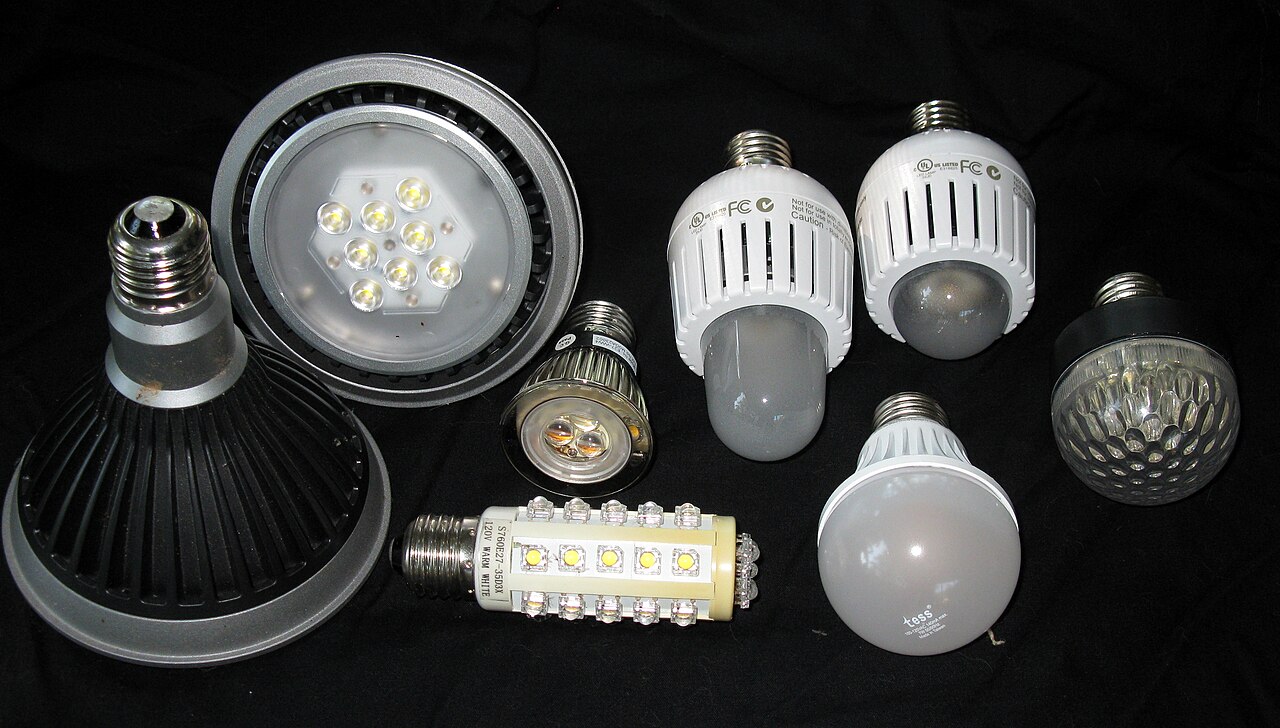
Modern LEDs are a different story. Quality bulbs use drivers that smooth AC into steady DC, but cheap bulbs and dimmable fixtures pulse their LEDs on and off thousands of times per second using pulse-width modulation (PWM) to control brightness. That flicker is far too fast to see — yet a camera with a fast shutter absolutely can catch it.

How your shutter turns flicker into banding
Your camera does not expose the whole sensor at once — at least, not at most shutter speeds. A focal-plane shutter uses two curtains that travel across the sensor with a narrow slit between them, and an electronic shutter reads the sensor row by row. Either way, the top of the frame is exposed at a slightly different moment than the bottom. If the light is pulsing during that travel time, each row catches the light at a different phase of its flicker: one row gets the bright peak while the next catches the dark trough. Read out in sequence, those rows stack up as visible horizontal bands.
This is why electronic shutters band worse than mechanical ones. Reading every row takes longer than a mechanical slit’s travel, so more of the flicker cycle is sampled across the frame. Fully electronic (silent) shutters can turn even mild flicker into pronounced stripes.
What anti-flicker shooting actually does
Most modern interchangeable-lens cameras include an anti-flicker feature — Sony calls it Anti-flicker Shoot, Canon calls it Anti-flicker shooting, and Nikon calls it Flicker reduction. When enabled, the camera watches the light, detects a 100 or 120 Hz flicker, and times the exposure so the shutter fires at the peak of the light’s brightness cycle rather than mid-dip. It also nudges the shutter speed so the exposure covers a whole number of flicker cycles.
The key limitation: standard anti-flicker targets the 100/120 Hz flicker of fluorescent lighting. High-frequency LED PWM — hundreds or thousands of hertz — is usually too fast for the camera to lock onto, so anti-flicker cannot fully correct it. A few flagship bodies, notably Sony’s A9 II and A1, add high-frequency anti-flicker that fine-tunes shutter speed to match those faster cycles, but it is not universal.
Match your shutter speed to the mains frequency
The single most reliable fix is manual: set a shutter speed that is a whole multiple of the flicker period, so every part of the frame sees the same number of light pulses.
- 60 Hz mains (North America): 1/120s, 1/60s, 1/40s, or 1/30s.
- 50 Hz mains (Europe / most of Asia): 1/100s, 1/50s, or 1/25s.
Notice that 1/125s — a “standard” shutter speed — is not an exact multiple of 120 Hz, which is why it can still show faint banding under fluorescents. Dropping to 1/60s or 1/40s often makes the stripes vanish. The trade-off is slower shutter speeds and possible motion blur, but under constant artificial light that is usually the price of clean frames.
Other ways to fight flicker and banding
- Use the mechanical shutter (or EFCS) instead of fully electronic / silent mode — it samples less of the flicker cycle.
- Review at 100%. Banding is easy to miss on a small rear screen; zoom in on a bright area to check.
- For video, match your frame rate to the mains: shoot 30 fps (or 24) in 60 Hz regions and 25 fps in 50 Hz regions, with a shutter speed around twice the frame rate.
- A leaf shutter or global shutter removes rolling banding within a single frame because the whole sensor is exposed at once — though the light’s brightness can still vary from shot to shot in a burst.
Conclusion
Banding is not a camera defect — it is physics: pulsing light meeting a shutter that scans. Once you understand that, the fixes are simple. Turn on anti-flicker, avoid silent or electronic shutter under artificial light, and choose a shutter speed that is a clean multiple of your region’s mains frequency. Do that, and those ugly stripes stay out of your photos for good.
FAQ
Why does banding only show up at fast shutter speeds?
At slow shutter speeds the exposure lasts long enough to average several flicker cycles, so every row sees roughly the same amount of light. Fast shutter speeds sample only a sliver of one cycle, so differences between rows become visible.
Does a global shutter fix banding?
It removes the spatial bands within a single frame, because the entire sensor is exposed simultaneously. But flicker can still cause brightness to vary between consecutive frames in a burst, so anti-flicker settings still matter.
Is anti-flicker the same as flicker-free video?
They are related. Anti-flicker shooting targets stills, while flicker reduction for video adjusts frame rate and shutter speed to the mains frequency to stop pulsing and rolling bars in footage.
Related Posts

Speed Boosters (Focal Reducers) Explained: How One Adapter Makes Lenses Faster, Wider, and Sharper
Mount a full-frame lens on an APS-C or Micro Four…

Teleconverters Explained: How 1.4x and 2x Extenders Work (and When to Use Them)
Teleconverters are among the most misunderstood accessories in photography. For…

Bokeh Explained: Aperture Blades, Cat’s-Eye Bokeh, and How to Get Creamy Backgrounds
Ask any portrait photographer what separates an "okay" photo from…