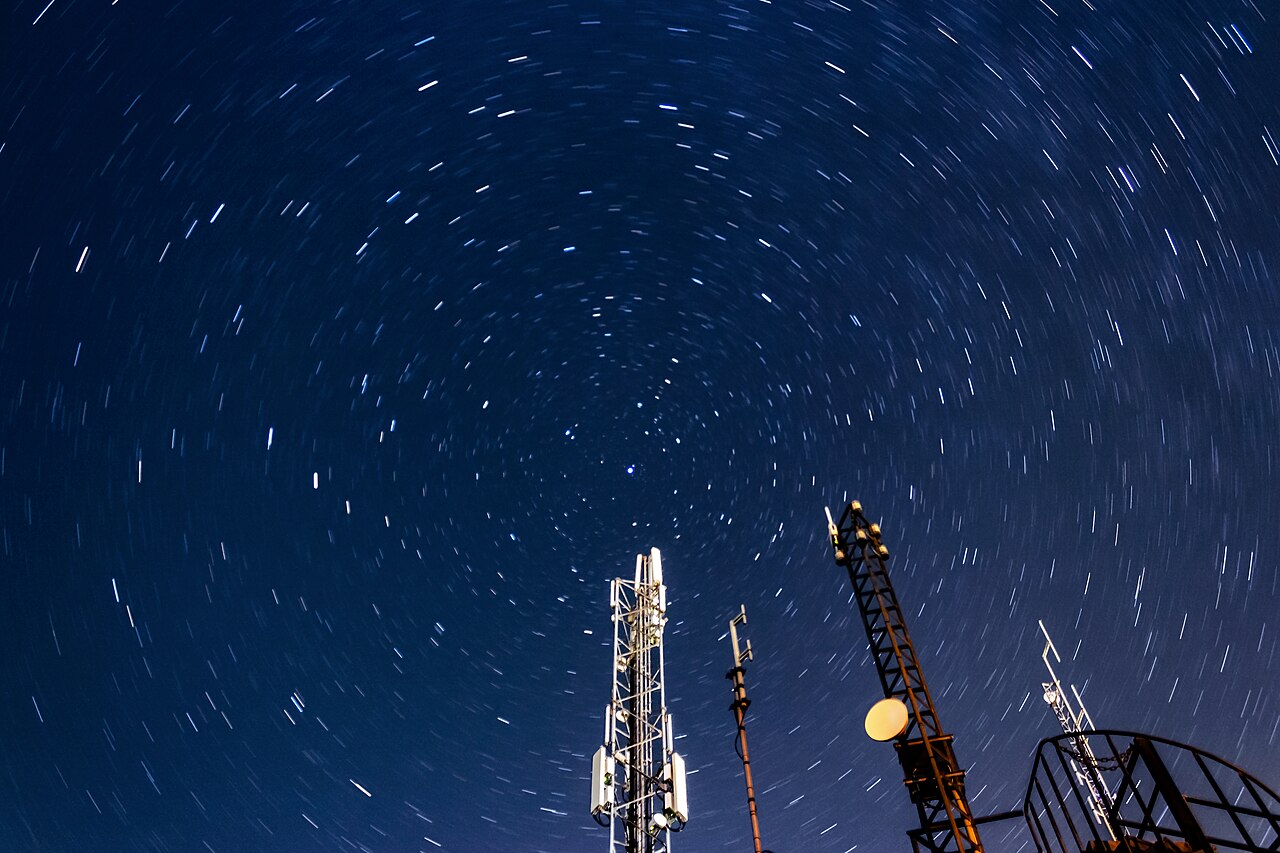
Leave your shutter open for 30 seconds, a minute, or five, and you will eventually notice it: tiny, bright specks of color scattered across the frame where the scene was perfectly dark. Those are hot pixels, and they are not a defect in your camera. They are a predictable side effect of how a digital sensor accumulates charge in the dark. Every camera has them; long exposures simply make them visible.
The fix is built into almost every interchangeable-lens camera. It is usually called Long Exposure Noise Reduction, or LENR, and it quietly solves the problem by taking a second, “dark” exposure after every long shot. Here is what hot pixels and amp glow actually are, how dark frame subtraction cancels them out, and when you should leave the setting on — or switch it off.
What Causes Hot Pixels and Amp Glow?
A digital sensor works by converting photons into electrical charge at every photosite. But even in complete darkness, the silicon generates a small trickle of charge on its own. This is called dark current: thermal electrons that accumulate because the sensor is warm, not because any light hit it. The warmer the sensor and the longer the exposure, the more dark current builds up.
Dark current is not uniform. A handful of pixels on any sensor leak charge faster than their neighbors. On a normal, short exposure the effect is invisible, but over a multi-second exposure those leaky pixels fill up and render as bright colored specks — “hot” pixels that are often red, white, or blue. Crucially, they stay in the same place frame after frame, which is the key to removing them.
Long exposures can also reveal amp glow: a soft brightening near one corner or edge of the frame caused by heat from the sensor’s readout and amplifier circuitry. Because it is also fixed — same position, same shape, every time — it can be corrected the same way.

How Dark Frame Subtraction Works
Dark frame subtraction is simple in principle. After the camera records your real image (the “light frame”), it takes a second exposure of exactly the same length with the shutter closed, so no light reaches the sensor. That dark frame records only the camera’s own dark current, hot pixels, and amp glow.
The camera then subtracts the dark frame from the light frame, pixel by pixel. A hot pixel that shows up bright in both frames is canceled out; the soft amp glow in the corner disappears too. The result is a cleaner long exposure with far fewer colored specks and no hot corner.
For the subtraction to work, the dark frame must match the light frame’s duration and temperature. That is why the camera makes you wait: it cannot use a short dark frame to fix a long exposure, because dark current builds up over time. If the sensor has heated up during a long exposure or a burst of shots, the dark frame needs to be taken at that same temperature for the hot pixels to line up.
Why It Doubles Your Exposure Time
The cost of long exposure noise reduction is time. A 30-second exposure becomes 60 seconds of shooting; a five-minute exposure becomes ten. The camera captures the dark frame automatically in that window, but it cannot be used for anything else while it does.
That trade-off explains why LENR is off by default on most cameras. For a single slow landscape shot at night, the extra wait is usually worth it. For a star-trail sequence, a timelapse, or a meteor shower where every gap in coverage means a lost frame, it can be the wrong choice.
In-Camera LENR vs Taking Your Own Dark Frames
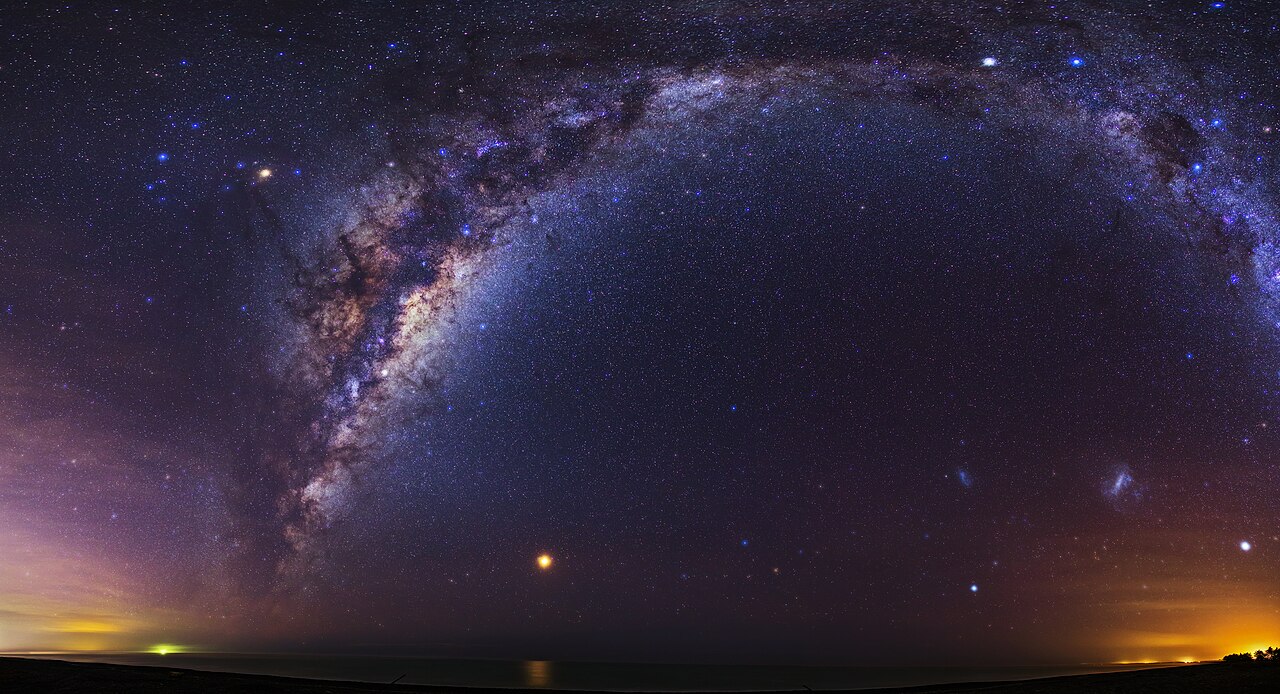
Astrophotographers rarely rely on the in-camera setting. Instead they take their own “dark frames” — lens cap on, same exposure and ISO — and let stacking software such as DeepSkyStacker or Sequator handle the subtraction. This has two advantages.
First, it lets you shoot continuously, so you never lose time to an automatic second exposure during the session. Second, and more importantly, you can average many dark frames together into a “master dark” before subtracting. A single dark frame carries its own random read noise, which is not removed by subtraction; averaging several darks smooths that noise away. The in-camera setting uses a single dark frame, which is perfectly fine for casual shooting but not as clean as a well-built master dark.
For the same reason, dark frames should be taken at roughly the same temperature as your light frames. Astro shooters sometimes capture a set of darks at the end of a session, when the sensor is warm, to match the heat of the earlier shots.
When to Turn Long Exposure Noise Reduction On or Off
Leave LENR on when you are taking individual long exposures where the wait does not matter: night landscapes, architecture at dusk, single Milky Way frames, or light-painting shots. The setting removes hot pixels and amp glow that would otherwise demand careful spot removal in editing.
Turn it off when the gap it introduces would hurt you: timelapses and star-trail sequences (where every other frame would be a dark frame), event shooting where you need the camera ready between frames, or short-exposure situations where hot pixels are not visible anyway. In those cases, either shoot your own dark frames later or rely on post-processing tools to clean up the specks.
Conclusion
Long exposure noise reduction is one of those settings that sounds like a gimmick but quietly does real work. Hot pixels and amp glow are not faults in your camera; they are a natural consequence of dark current and sensor heat. Dark frame subtraction removes them by recording the sensor’s own noise and subtracting it from the final image — at the cost of doubling your exposure time. Understanding that trade-off is the difference between cleaner night shots and wasted minutes.
FAQ
Do hot pixels mean my camera sensor is defective?
No. Every sensor has some pixels that leak dark current faster than others. They only become visible in long exposures or at high ISO, and they are completely normal.
Should I leave long exposure noise reduction on all the time?
No. It is most useful for individual long exposures. Turn it off for timelapses, star trails, and any situation where doubling your exposure time costs you shots.
Does LENR also reduce high-ISO noise?
No. Long exposure noise reduction targets fixed-pattern noise from dark current and hot pixels, not the random luminance and color noise you see at high ISO. Different problem, different fix.
Can I fix hot pixels in software instead?
Yes. Most raw editors can map or clone out individual hot pixels, and astro stacking software can reject them across multiple frames using algorithms such as sigma clipping. Dark frame subtraction just does it automatically in-camera.
Related Posts
Lens Aberrations Explained: Chromatic Aberration, Distortion, and Vignetting
Every lens is a compromise. Glass bends light, but it…
How Autofocus Works: Phase Detection vs Contrast Detection
Every time you half-press the shutter button, your camera has…
Chroma Subsampling Explained: 4:2:0 vs 4:2:2 vs 4:4:4 (And Why It Matters for Video)
Record a video on almost any camera and your footage…