Walk into any electronics store and nearly every 4K television now wears an “HDR” badge right next to its resolution. But HDR is not one thing — it is a family of competing standards that describe how bright highlights are recorded, how they are labeled with metadata, and how a screen should render them. If you shoot video on a modern mirrorless camera or a phone, knowing how HDR10, HDR10+, Dolby Vision, and HLG differ will explain why your footage can look subtly different from one display to the next.
What HDR Video Actually Means
High dynamic range (HDR) describes how much light information a video signal can carry — and it has nothing to do with resolution. 4K tells you how many pixels a frame has; HDR tells you how wide a range of brightness those pixels can represent. Standard dynamic range (SDR) video was designed around displays that top out near 100 nits, using 8 bits per color channel and the relatively small Rec.709 color gamut. HDR raises the ceiling dramatically: it targets 1,000 nits or more of peak brightness, 10-bit (or higher) color, and the much wider Rec.2020 (BT.2020) gamut.
It is also worth separating HDR video from the HDR photo mode you have been using for years. HDR photography captures several exposures and merges them, then tone-maps the result back down into a normal SDR image file. HDR video does the opposite: it keeps the extended brightness range inside the signal and leaves the tone-mapping to the display. That distinction is why HDR video needs its own formats and metadata.
HDR10 — The Baseline Every TV Supports
HDR10 is the open, royalty-free foundation of consumer HDR, defined by the Consumer Technology Association. It specifies 10-bit color, the Perceptual Quantizer (PQ) transfer function defined in SMPTE ST 2084, and BT.2020 color primaries. Crucially, HDR10 uses static metadata: one block of information (SMPTE ST 2086, plus MaxCLL and MaxFALL brightness values) that describes the entire program at once.
Because the metadata never changes from scene to scene, a bright, punchy movie and a dark, moody one are described by the same single set of numbers, and the display must decide on its own how to map everything to its capabilities. HDR10 is nonetheless the common denominator: essentially every HDR-capable TV, streaming box, and 4K Blu-ray supports it, and most HDR streams include an HDR10 base layer.
HDR10+ — Dynamic Metadata Without the License Fee
HDR10+ is a Samsung-led evolution of HDR10, developed with Amazon, Panasonic, and 20th Century Studios. It keeps the same PQ curve and 10-bit depth but adds dynamic metadata (SMPTE ST 2094-40) that can change on a scene-by-scene or even frame-by-frame basis. That lets a TV tone-map a dark scene and a bright scene differently instead of applying one compromise across the whole movie.
The headline advantage is that HDR10+ is royalty-free, positioning it as the open alternative to Dolby Vision. You will find it most prominently on Samsung televisions and on Amazon Prime Video content.
Dolby Vision — The Premium Tier
Dolby Vision is Dolby’s proprietary, licensed HDR format, and it is the most flexible of the group. It also uses the PQ curve and dynamic metadata (SMPTE ST 2094-10), but it can be mastered up to 12 bits and ships in several profiles. Streaming services typically use Profile 5, which stores color in Dolby’s IPTPQc2 color space; 4K Blu-ray discs use Profile 7, where a 10-bit HDR10 base layer is paired with an enhancement layer carrying the dynamic metadata — and, on “full enhancement layer” titles, extra data that reconstructs a 12-bit image.
Dolby Vision has the widest premium content support of any dynamic format, including Netflix, Disney+, Apple TV+, and a large catalog of 4K Blu-ray discs. It is also the format Apple leans on heavily: iPhones since the iPhone 12 can record Dolby Vision video directly in the camera app.
HLG — HDR Built for Broadcast and Live TV
Hybrid Log-Gamma (HLG) was jointly developed by the BBC and Japan’s NHK specifically for broadcast. It solves a problem the PQ formats do not: live television must reach millions of screens of unknown capability, and a metadata-dependent format is awkward when there is no time to master and label every program. HLG carries no metadata at all.
Instead, HLG uses a “hybrid” curve — the lower part of the signal follows the familiar SDR gamma so older displays simply show a normal SDR picture, while the upper part adds a logarithmic curve for the extra highlight detail that HDR displays can reveal. This backward compatibility made HLG the standard for live HDR broadcast and YouTube’s preferred upload path, and many cameras from Sony, Panasonic, and Canon offer HLG as a one-click HDR picture profile.

How Cameras Capture HDR Video
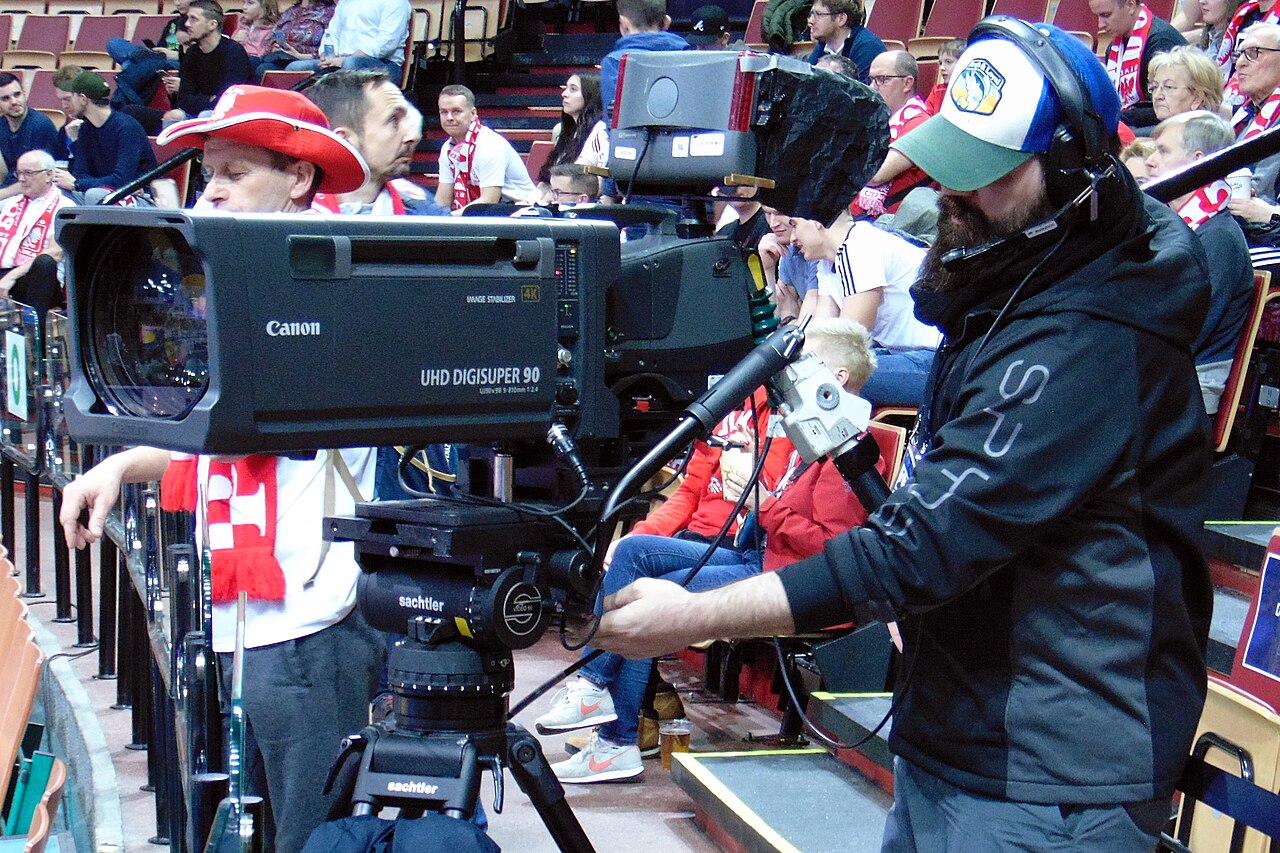
On the capture side, HDR video starts with bit depth. An 8-bit signal has only 256 steps per channel, which causes visible banding across smooth gradients like skies; 10-bit recording gives 1,024 steps and is the practical floor for HDR. Modern mirrorless cameras deliver this through log profiles — S-Log3, C-Log3, V-Log, or N-Log — which flatten the image to preserve dynamic range so a colorist can later grade it into an HDR deliverable. Alternatively, you can record HLG straight in-camera for footage that is HDR-ready the moment you hit stop. Raw video formats such as ProRes RAW and Blackmagic RAW preserve the most latitude, at the cost of enormous file sizes.

Which Format Should You Care About?
If you shoot, the pragmatic answer is 10-bit log or HLG, whichever your camera makes easiest; iPhone users get Dolby Vision recording for free. If you watch, HDR10 is the guaranteed floor, while Dolby Vision and HDR10+ are nice-to-haves that shine brightest on a capable display. In practice, a television’s peak brightness and tone-mapping quality influence the picture more than which logo appears on the box — two TVs playing the same HDR10 file can look more different than one TV playing HDR10 versus Dolby Vision.
Conclusion
HDR video is less a single upgrade than a menu of standards built for different jobs: HDR10 for universal compatibility, HDR10+ and Dolby Vision for dynamic scene-by-scene control, and HLG for live broadcast. Once you understand what each format is actually doing — how many bits, what transfer curve, and whether the metadata is static or dynamic — the alphabet soup stops looking like marketing and starts looking like a tool you can choose deliberately, whether you are grading footage or buying a TV.
FAQ
Is HDR the same as 4K?
No. 4K describes resolution (how many pixels), while HDR describes brightness range and color. A video can be 4K without HDR, or HDR without being 4K.
Do I need a special TV to watch HDR?
Yes. You need an HDR-capable display, and its peak brightness matters: a screen that can only reach 400 nits will tone-map HDR down heavily, while a brighter panel shows the format’s full benefit.
Can any camera record HDR video?
Not any camera. You need a body that records 10-bit (typically via log or HLG) or, on recent iPhones, one that records Dolby Vision natively. An 8-bit camera can only deliver SDR.
Is Dolby Vision always better than HDR10?
Not automatically. Dolby Vision offers more precision, but on a lower-end display the visible difference can be small, and much depends on how the content was mastered and how the TV tone-maps.
Related Posts
Camera Color Science Explained: Why Canon, Sony, and Fujifilm Photos Look Different
Ask two photographers which camera brand has the best color…

Leaf Shutter vs Focal-Plane Shutter: What’s the Difference and Why It Matters
Press the shutter on two different cameras and you'll hear…
EVF vs OVF: Electronic and Optical Viewfinders Explained (And How to Choose)
Every camera has a viewfinder, but not all viewfinders show…