Time-lapse photography compresses minutes, hours, or even days into a few seconds of video. A flower blooming, clouds racing across a valley, stars wheeling overhead — time-lapse turns the slow, invisible passage of time into something you can actually watch. The technique is simple on paper: take hundreds of still photos at a fixed interval, then play them back in sequence at 24 or 30 frames per second. The hard part isn’t pressing the shutter; it’s the planning. In this guide we’ll cover how to choose the right interval, the settings that prevent flicker, and the gear that makes it all work.
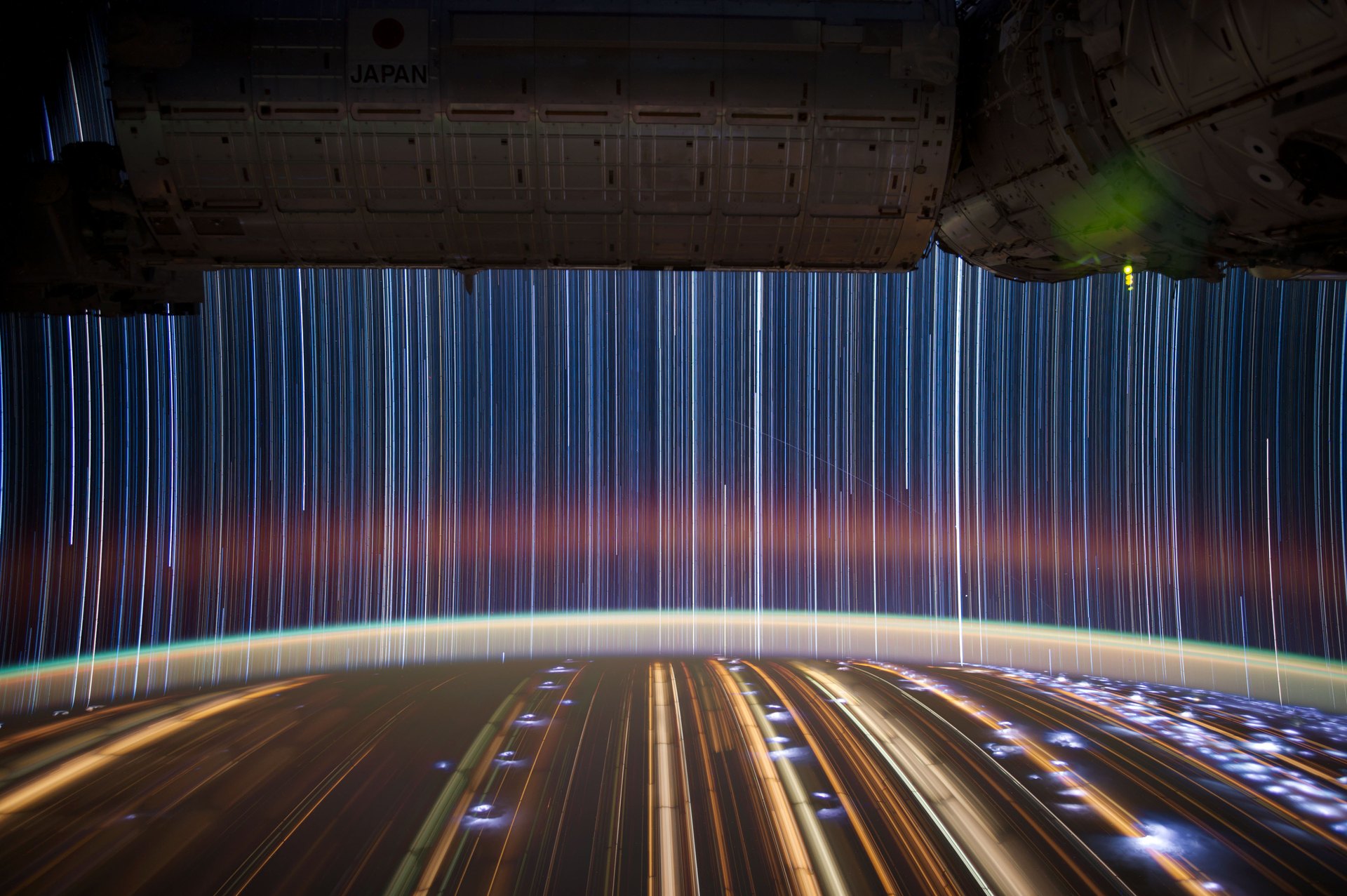
How Time-Lapse Works
At its core, a time-lapse is just a sequence of stills stitched into video. If your camera fires one frame every 5 seconds and you later play those frames at 24 frames per second, each second of video covers 120 seconds (2 minutes) of real time. The interval — the gap between shots — is the single most important creative decision you’ll make, because it controls how fast motion appears in the final clip.
The Three Numbers That Define a Time-Lapse
Every time-lapse is controlled by three variables:
- Interval — the seconds between frames.
- Frame count — the total number of photos you capture.
- Playback frame rate — usually 24 fps (cinematic) or 30 fps (broadcast/web).
The math that ties them together is straightforward:
Frames needed = final video length (seconds) × frame rate (fps)
Interval = shooting duration (seconds) ÷ frames needed
For example, say you want a 15-second clip at 24 fps. That’s 15 × 24 = 360 frames. If you’re shooting a 30-minute (1,800-second) sunset, your interval should be 1,800 ÷ 360 = 5 seconds. As a rule of thumb, plan for at least 240–360 frames (10–15 seconds of finished video). You can always trim extra frames in editing, but you can never recover shots you didn’t take.
Choosing the Right Interval by Subject
The interval sets the pace. Fast-moving subjects need short intervals; slow subjects need long ones:
| Subject | Recommended interval |
|---|---|
| Traffic, crowds, fast clouds | 1–2 seconds |
| Slow clouds, water, moving shadows | 3–5 seconds |
| Sunrise and sunset | 5–15 seconds |
| Stars and the Milky Way | 15–30 seconds |
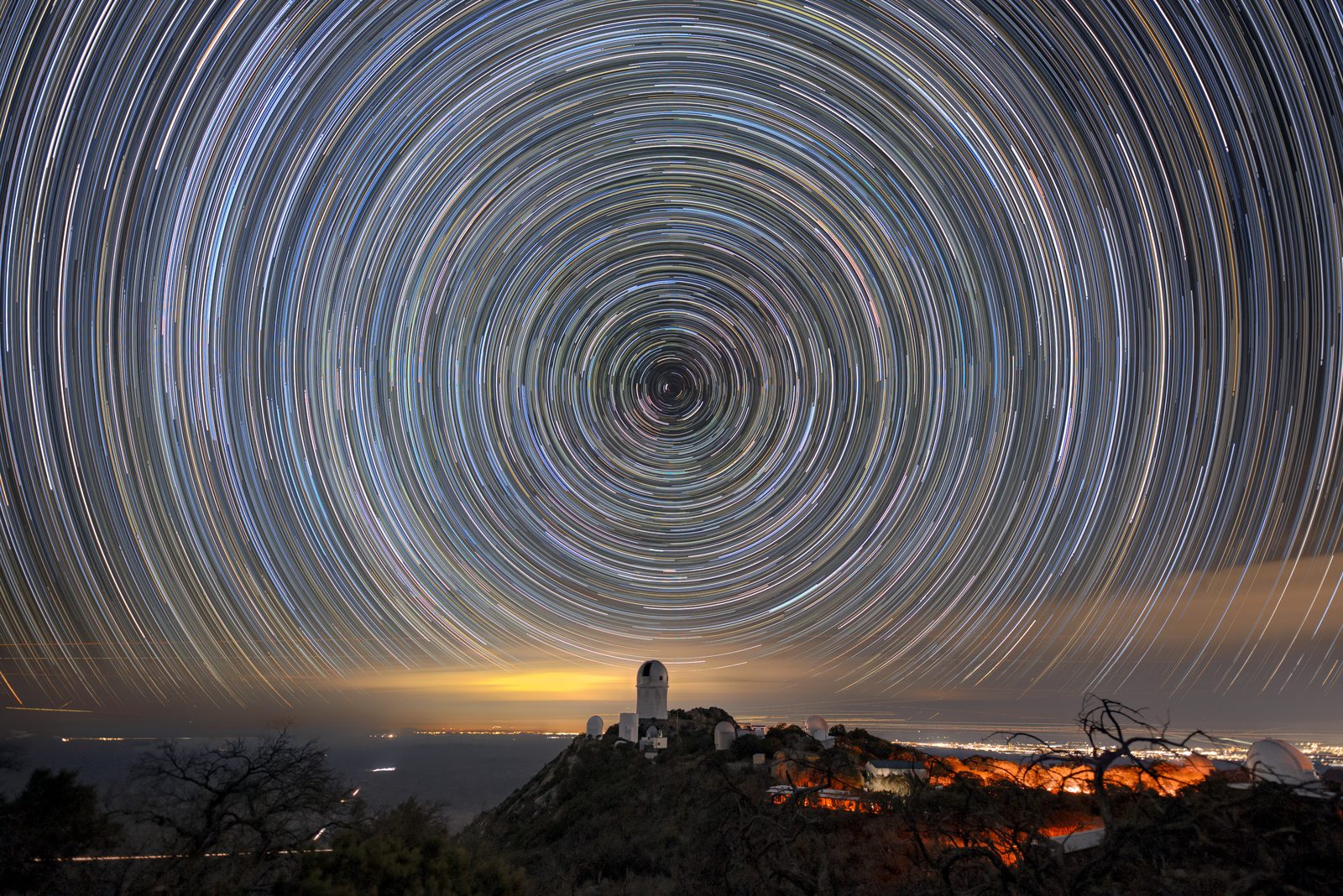
| Star trails | 30–60 seconds |
| Plants growing, construction progress | Minutes to hours |
One critical rule sits on top of this table: your interval must always be longer than your exposure time, otherwise the camera won’t finish writing one frame before the next is due and you’ll drop shots. A safe guideline is to keep exposure at no more than 60–80% of the interval.
Camera Settings That Prevent Flicker
The most common flaw in beginner time-lapses is flicker — brightness or color jumping between frames. It’s almost always caused by automatic settings. To eliminate it:
- Shoot in manual mode. Lock aperture, shutter speed, and ISO so exposure stays constant from frame to frame.
- Set white balance to a fixed value (Daylight or a specific Kelvin number), never auto.
- Use manual focus. Autofocus can hunt and shift focus between frames.
- Turn off image stabilization. On a tripod, IBIS or OIS can introduce subtle drift that shows up as jitter.
- Shoot RAW when you can, for maximum flexibility when you correct exposure and color in post.
The Gear You Need
A sturdy tripod is non-negotiable — every frame must line up with the last. You’ll also need a way to trigger the shutter at a precise rate. Most modern mirrorless cameras from Sony, Nikon, and Canon include a built-in interval shooting mode; if yours doesn’t, an inexpensive external intervalometer works with virtually any body. Finally, budget for power and storage: a 360-frame RAW sequence can eat tens of gigabytes, so bring a high-capacity card and a spare battery (or a USB power source).
Common Mistakes to Avoid
- Underestimating frames. A three-second time-lapse feels rushed; shoot more than you think you need.
- Letting auto ISO or auto white balance cause flicker.
- Ignoring the interval-vs-exposure rule and dropping frames mid-sequence.
- Bumping the camera halfway through a sequence.
- Shooting JPEG-only when you know you’ll want to adjust exposure ramps later.
Conclusion
Time-lapse is one of the most rewarding techniques in photography because the real work is in the setup, not the shooting. Lock your exposure, pick a sensible interval for your subject, keep the camera rock-steady, and shoot far more frames than you think you need. The payoff — a few elegant seconds of compressed time — is always worth the patience.
FAQ
What interval should I use for a sunset time-lapse?
5 to 15 seconds is a good starting point. At a 5-second interval, a 30-minute sunset yields about 360 frames — roughly 15 seconds of video at 24 fps.
Do I need an intervalometer if my camera has a built-in timer?
No. If your camera has a built-in interval shooting mode — common on recent Sony, Nikon, and Canon bodies — that’s all you need. External intervalometers mainly add extras like exposure ramping for day-to-night transitions.
How many frames do I need for a 10-second time-lapse?
10 seconds × 24 fps = 240 frames (or 300 at 30 fps). At a 5-second interval, capturing 240 frames takes 20 minutes.
Should I shoot RAW or JPEG for time-lapse?
RAW is ideal because it gives you latitude to correct exposure and color shifts in post. JPEG is fine for simple, well-controlled scenes and saves card space and processing time.
Related Posts
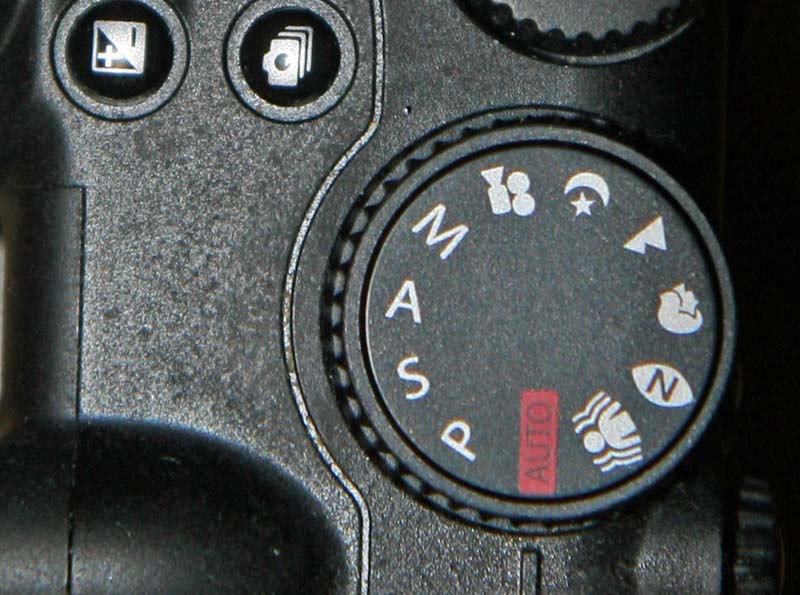
Exposure Modes Explained: P, A (Av), S (Tv), and M — When to Use Each
Look at the top of any modern camera and you'll…
Focus Modes Explained: AF-S, AF-C and Manual Focus
Every time you half-press the shutter button, your camera has…
Lens Diffraction Explained: Why Small Apertures Make Your Photos Softer
Stop a lens down to f/16 or f/22 chasing maximum…